
12 Best AI Workflow Automation Tools for 2025


In today's competitive market, efficiency isn't just an advantage; it's a core component of a successful business strategy. Companies are actively seeking ways to streamline operations, eliminate repetitive manual effort, and unlock higher levels of productivity. The solution lies in a new generation of ai workflow automation tools. These powerful platforms move beyond simple task management, using artificial intelligence to orchestrate complex, multi-step processes, analyze data, and make intelligent decisions without constant human oversight.
- AI workflow automation tools eliminate repetitive manual tasks, freeing your team to focus on strategic, high-value work.
- Options range from no-code platforms like Zapier and Make to enterprise-grade solutions like UiPath and Workato.
- Choosing the right tool depends on your technical capacity, integration needs, and growth trajectory.
From automating customer support with custom-trained language models to managing intricate marketing campaigns across dozens of applications, these tools are fundamentally changing how work gets done. For agencies looking to maximize output, exploring the 12 best workflow automation software for agencies offers valuable insights into top solutions for boosting efficiency and client results.
This guide dives deep into the leading ai workflow automation tools available, from enterprise-grade platforms like UiPath to specialized agentic AI solutions. We'll explore their unique strengths, potential limitations, and ideal use cases to help you find the perfect fit. Each review includes practical analysis, screenshots, and direct links, giving you the information needed to select a tool that not only automates tasks but also transforms your entire operational strategy for sustained growth.
1. Agentic AI Solutions & Custom LLMs (AI Studio) — Site Igniters
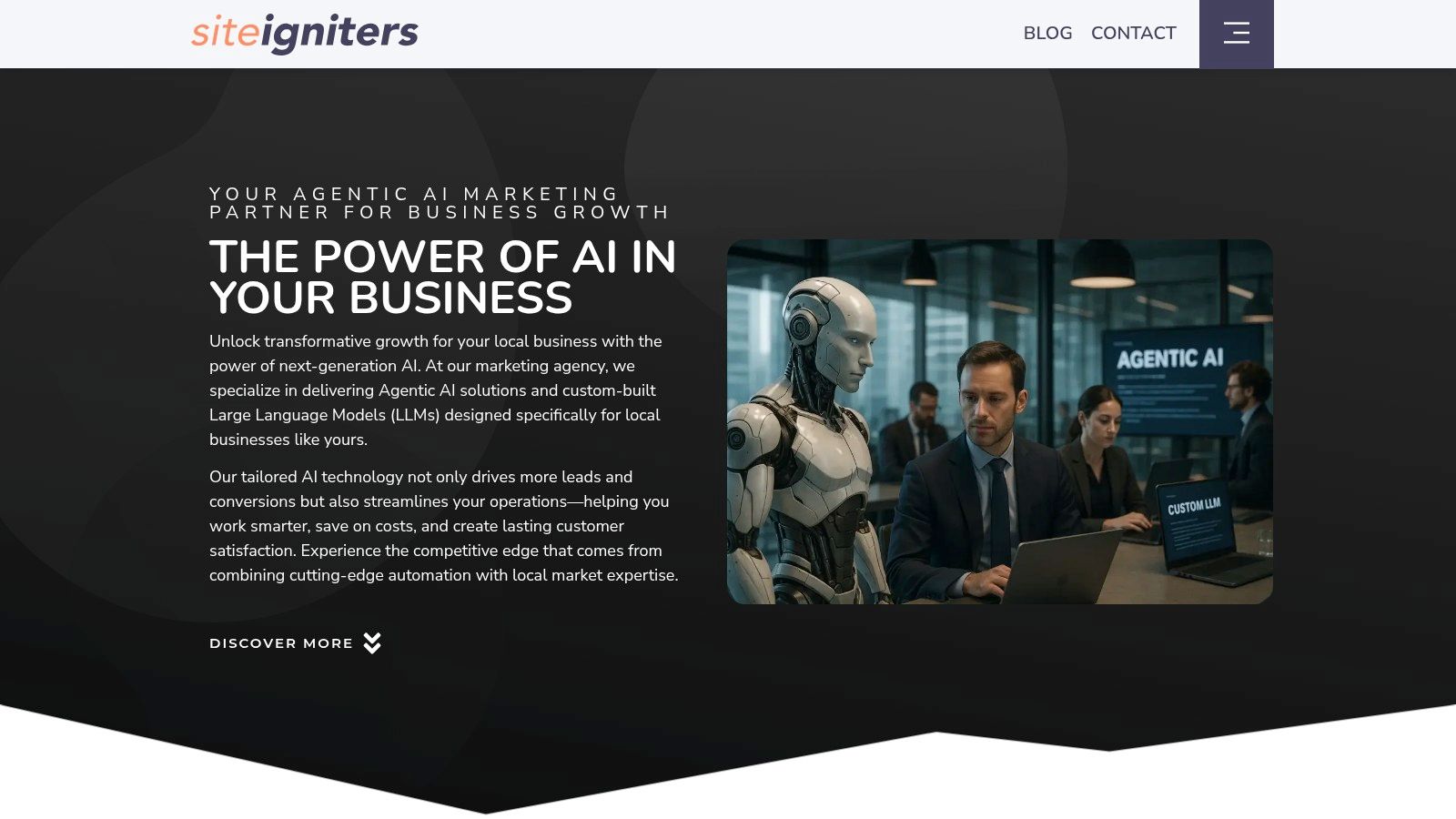
Site Igniters’ AI Studio positions itself as a premier choice for businesses seeking bespoke ai workflow automation tools rather than off-the-shelf solutions. It moves beyond generic AI by focusing on developing custom Large Language Models (LLMs) and agentic AI systems. These are meticulously trained on a company's proprietary data, enabling the automation of complex, high-volume tasks with an exceptional degree of accuracy and brand alignment.
This service is engineered for businesses that need AI to do more than just follow simple commands. The core strength lies in its ability to create AI agents that can reason, plan, and execute multi-step workflows autonomously. This makes it a powerful asset for streamlining intricate internal processes, from sophisticated data analysis and report generation to managing dynamic customer support escalations that require nuanced understanding.
Key Features and Use Cases
Site Igniters excels in translating unique business challenges into functional AI solutions. The emphasis is on building systems that integrate seamlessly into your existing operational fabric, enhancing capabilities without disrupting established processes.
- Custom LLM Development: Unlike generic models, these LLMs are tailored to your specific business vocabulary, data, and objectives. This results in more relevant, accurate, and secure outputs for internal and external use.
- Agentic AI for Complex Tasks: Deploy AI agents that can independently manage entire workflows. For example, an agent could handle the entire customer onboarding process, from initial contact and data collection to account setup and personalized welcome sequences.
- Compliance-First Approach: Leveraging their deep expertise in digital accessibility (ADA/WCAG), Site Igniters ensures that AI deployments are not only efficient but also ethical, compliant, and accessible, reducing legal risks.
- Real-World Application: A practical use case involves an e-commerce business deploying a custom AI agent to manage inventory and supplier communications. The agent can predict stock needs based on sales data, automatically generate purchase orders, and interact with supplier portals to confirm shipments, dramatically reducing manual overhead.
Why It Stands Out
What truly distinguishes Site Igniters' AI Studio is the fusion of advanced AI development with decades of digital marketing and compliance expertise. This unique combination ensures that the solutions are not just technologically sound but also strategically aligned with business growth and regulatory requirements. While the initial investment in a custom build is higher than a subscription service, the long-term ROI from a perfectly tailored, scalable AI system is a compelling advantage for businesses ready to fully embrace automation.
Website: https://siteigniters.com/ai-studio/
2. Zapier
Zapier has long been a leader in no-code automation, and its evolution into one of the top ai workflow automation tools makes it essential for any business. It excels at connecting thousands of disparate apps, allowing users to build complex "Zaps" (workflows) without writing a single line of code. Its user-friendly interface, extensive template library, and stellar documentation provide the easiest on-ramp for non-technical users looking to automate repetitive tasks immediately.
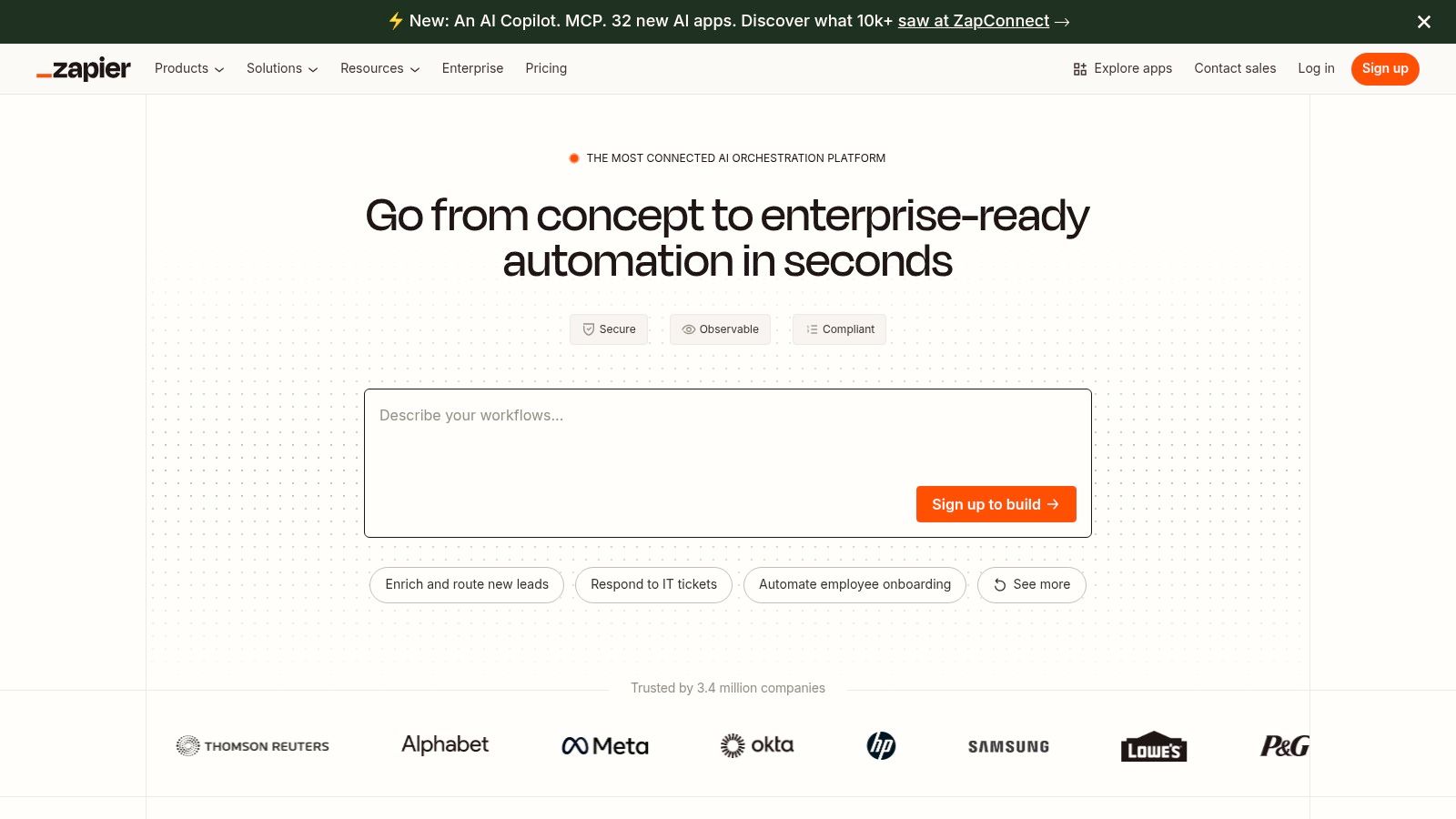
What truly sets Zapier apart now are its native AI capabilities. With Zapier Central, you can build AI agents that understand natural language commands to perform actions across your connected apps, like summarizing new leads and drafting follow-up emails. You can also deploy custom AI chatbots on your website that are connected directly to your business software stack, enabling real-time, automated customer interactions.
Key Details & Use Cases
- Best For: Teams needing a fast, self-serve solution with the broadest possible app integration support.
- Standout Feature: AI Agents (Central) that can reason and act across multiple applications from a single natural language prompt.
- Practical Use Case: Automatically transcribe a new meeting recording from Google Drive, use an AI step to summarize the key action items, and then create corresponding tasks in Asana assigned to the relevant team members.
- Pricing: Starts with a free plan. Paid tiers begin at $19.99/month (billed annually) with a task-based model, which can become costly for high-volume automation.
Website: https://zapier.com
3. Make (formerly Integromat)
Make, formerly known as Integromat, is a visually powerful platform that excels at creating intricate workflows with granular control. As one of the more technical ai workflow automation tools, it appeals to users who need to build automations with complex logic, including multiple branching paths, error handling, and data manipulation. Its drag-and-drop interface allows you to literally see the flow of data between apps, making it easier to debug and manage sophisticated processes.
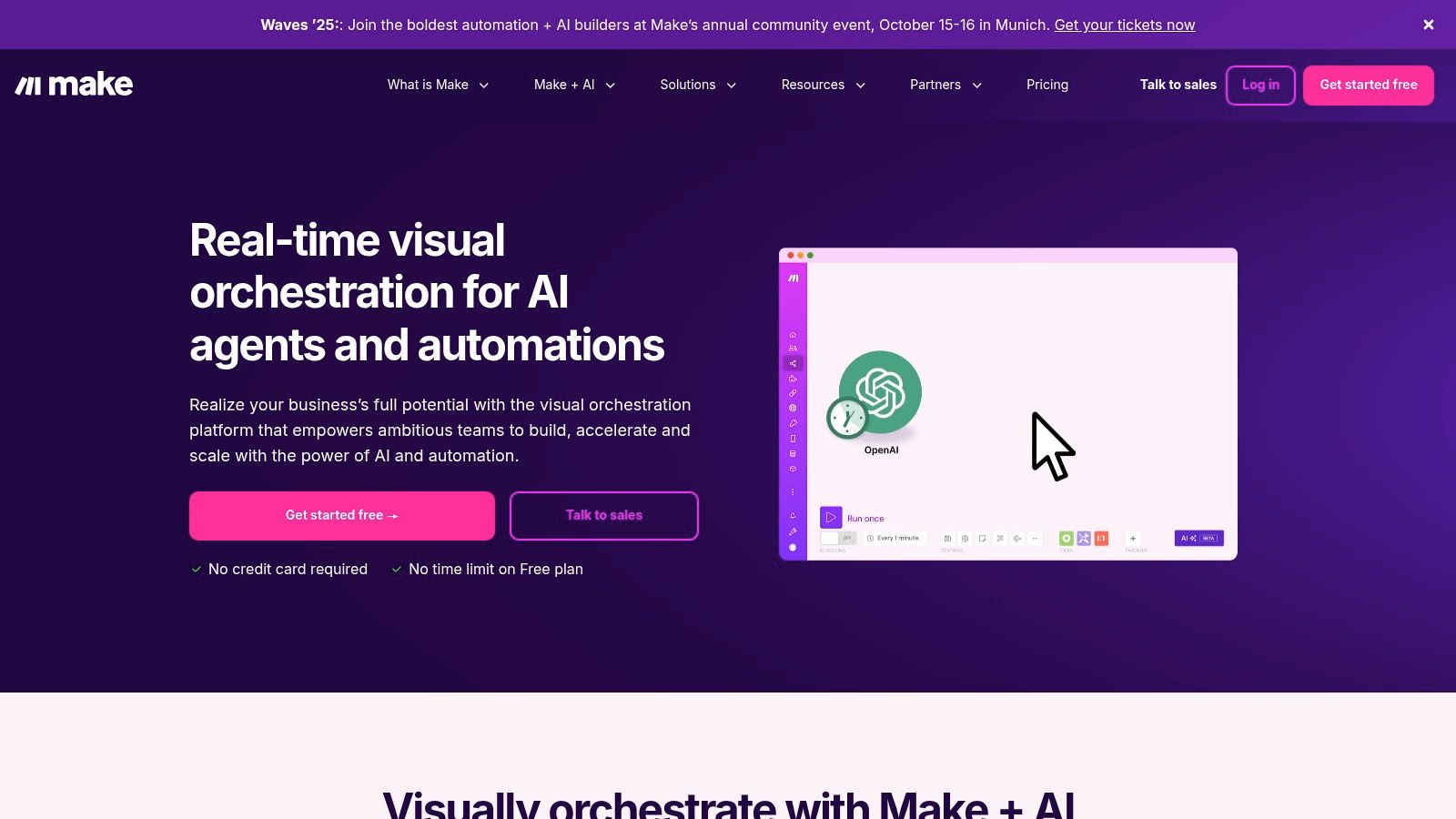
Make’s integration with AI tools like OpenAI allows you to embed intelligent decision-making directly into your scenarios. Unlike simpler tools, Make gives you complete control over how data is sent to an AI model and how the response is routed, filtered, and used in subsequent steps. This makes it ideal for building custom AI solutions, such as dynamic content generation engines or intelligent data processing pipelines that adapt based on the inputs received.
Key Details & Use Cases
- Best For: Developers and technical marketers who require fine-tuned control over complex, multi-step automations with conditional logic.
- Standout Feature: The visual scenario builder that allows for complex routing, filtering, and error handling within a single workflow.
- Practical Use Case: Monitor a specific email inbox for invoices, use an AI tool to extract key data (invoice number, amount, due date), validate the data against a database, and then create a bill in your accounting software, flagging any exceptions for manual review.
- Pricing: Offers a generous free plan with 1,000 operations/month. Paid plans start at $9/month (billed annually), operating on a credit-based model that is cost-effective for high-volume tasks.
Website: https://www.make.com
4. n8n
n8n offers a powerful, open-source alternative in the world of ai workflow automation tools, appealing strongly to developers and technical teams. Its node-based visual workflow builder provides granular control, allowing users to construct intricate, multi-step automations with unlimited steps. The platform's core differentiator is its flexible deployment model: a fully-managed cloud version for convenience or a self-hosted Community Edition for complete data sovereignty and cost control.
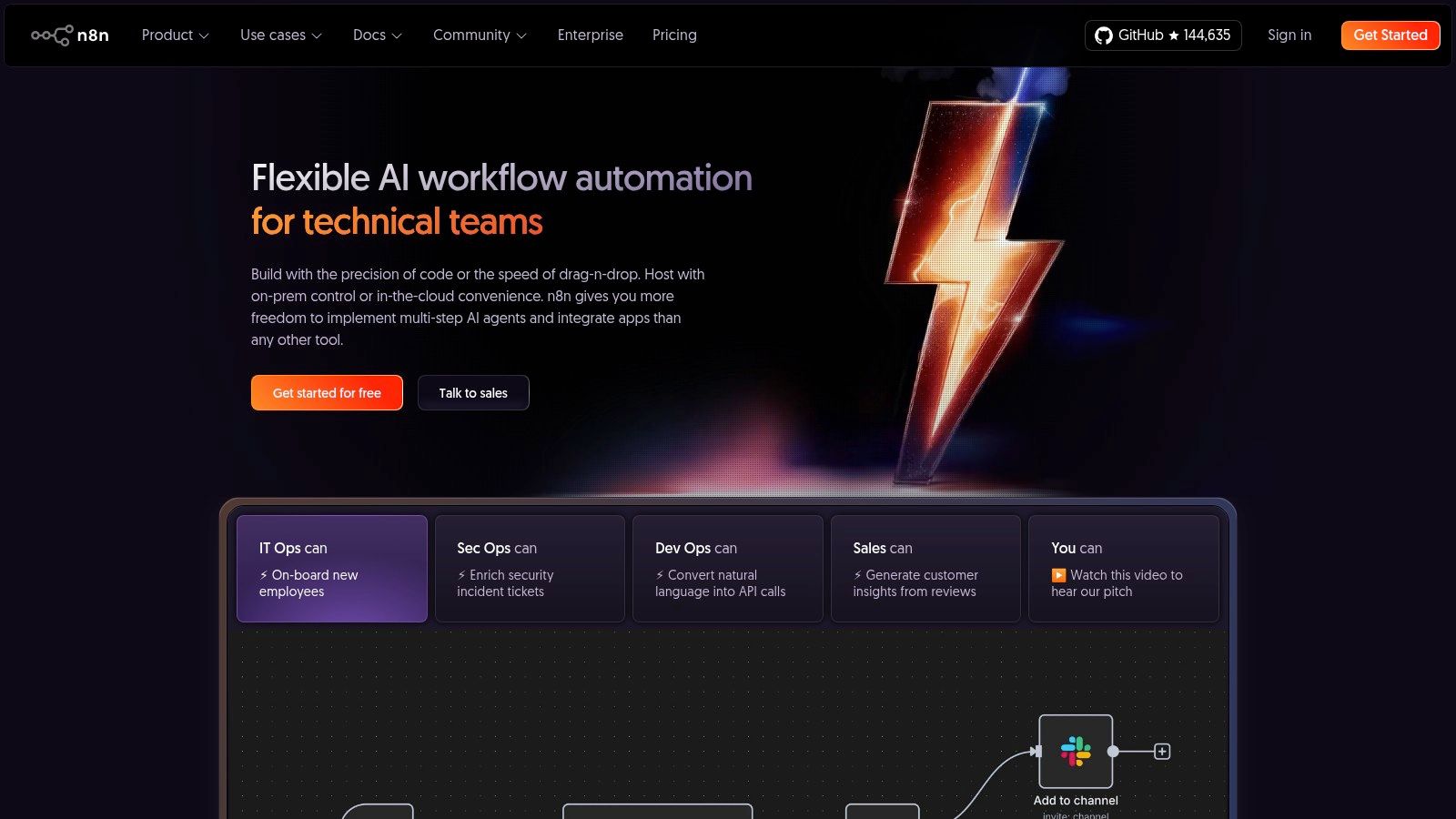
What makes n8n particularly compelling for AI-driven tasks is its extensibility. Beyond a growing library of dedicated AI nodes for services like OpenAI and Hugging Face, users can write custom JavaScript or build their own nodes to integrate proprietary models or unique APIs. This source-available approach gives teams the freedom to build highly customized AI workflows that go far beyond what closed-source platforms can offer, ensuring full ownership over their automation logic and data.
Key Details & Use Cases
- Best For: Developers and technical teams who need full control, data privacy, and the ability to self-host their automation platform.
- Standout Feature: The ability to self-host the Community Edition for free, offering unparalleled control over data and infrastructure costs.
- Practical Use Case: Create a workflow that monitors a customer support Slack channel, pipes messages to an AI node for sentiment analysis, and if negative sentiment is detected, automatically creates a high-priority ticket in Jira and sends an alert to the support manager.
- Pricing: Offers a generous free self-hosted Community Edition. Paid cloud plans are based on workflow executions, starting at €20/month.
Website: https://n8n.io
5. Microsoft Power Automate
For organizations deeply embedded in the Microsoft 365 and Azure ecosystems, Microsoft Power Automate is one of the most powerful ai workflow automation tools available. It provides a robust, enterprise-grade platform that combines cloud-based digital process automation (DPA) with powerful robotic process automation (RPA) for automating legacy desktop applications. This dual capability makes it ideal for handling complex, end-to-end business processes that span both modern and older systems.
The platform's native integration with AI Builder allows users to infuse intelligence into their workflows, enabling tasks like form processing, object detection, and sentiment analysis. Furthermore, the inclusion of Copilot provides a natural language interface for designing and troubleshooting automations, significantly lowering the technical barrier for business users to create sophisticated bots and cloud flows within a governed and secure environment.
Key Details & Use Cases
- Best For: Enterprises committed to the Microsoft stack needing governed, scalable automation across cloud services and on-premise systems.
- Standout Feature: Deep integration with AI Builder and Copilot, allowing for low-code AI model implementation and conversational flow creation directly within the platform.
- Practical Use Case: Automate the processing of vendor invoices. An RPA bot can retrieve PDF invoices from a legacy desktop app, an AI Builder model extracts the relevant data (vendor, amount, date), and a cloud flow then validates this data against records in Dynamics 365 before posting it for approval in a Teams channel.
- Pricing: Licensing is complex, with per-user plans starting around $15/month. Plans with attended/unattended RPA and AI Builder credits are available at higher tiers.
Website: https://powerautomate.microsoft.com
6. UiPath
UiPath is an enterprise-grade automation powerhouse, combining Robotic Process Automation (RPA) with a sophisticated AI fabric to tackle complex, large-scale operations. While many tools focus on API-based tasks, UiPath excels at automating legacy systems and desktop applications, making it one of the most versatile ai workflow automation tools for established organizations. Its strength lies in creating digital "robots" that can mimic human actions on a computer, from data entry to navigating complex software.
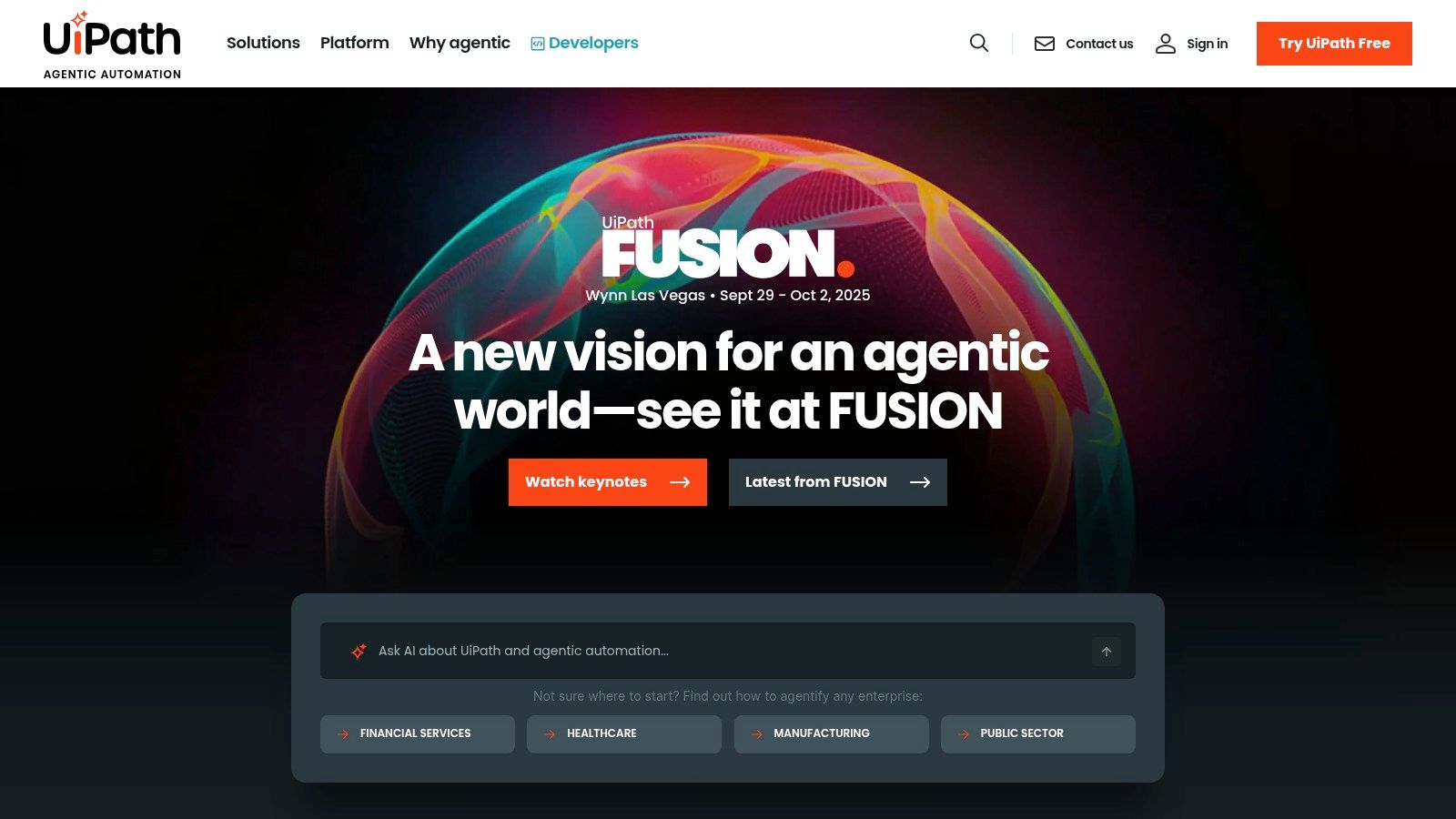
The platform integrates advanced AI through features like Document Understanding to process invoices and forms, and Process Mining to discover automation opportunities within existing workflows. This end-to-end approach, from discovery to deployment and governance, provides a holistic solution for digital transformation. It is built for environments where security, compliance, and scalability are non-negotiable, offering robust tools for managing and orchestrating a fleet of software robots across an entire enterprise.
Key Details & Use Cases
- Best For: Large enterprises in regulated industries like finance, healthcare, and manufacturing needing a comprehensive, secure, and scalable automation solution.
- Standout Feature: The combination of RPA with advanced AI capabilities like Process Mining and Document Understanding for end-to-end automation.
- Practical Use Case: Automatically extract data from thousands of incoming PDF invoices using AI-powered OCR, validate the data against an internal ERP system, and process payments without any human intervention.
- Pricing: Offers a free Community Edition and 60-day trials. Enterprise pricing is complex and requires direct consultation, as it depends on the specific suite of products and hosting needs.
Website: https://www.uipath.com
7. Automation Anywhere (Automation Success Platform + Bot Store)
Automation Anywhere provides an enterprise-grade, cloud-native solution for companies looking to scale Robotic Process Automation (RPA) with robust governance. As one of the more advanced ai workflow automation tools, it is engineered for large-scale deployments, focusing on security, compliance, and multi-cloud flexibility. Its platform combines AI-powered agents with a comprehensive suite of development and management tools, making it a powerful choice for complex enterprise needs.
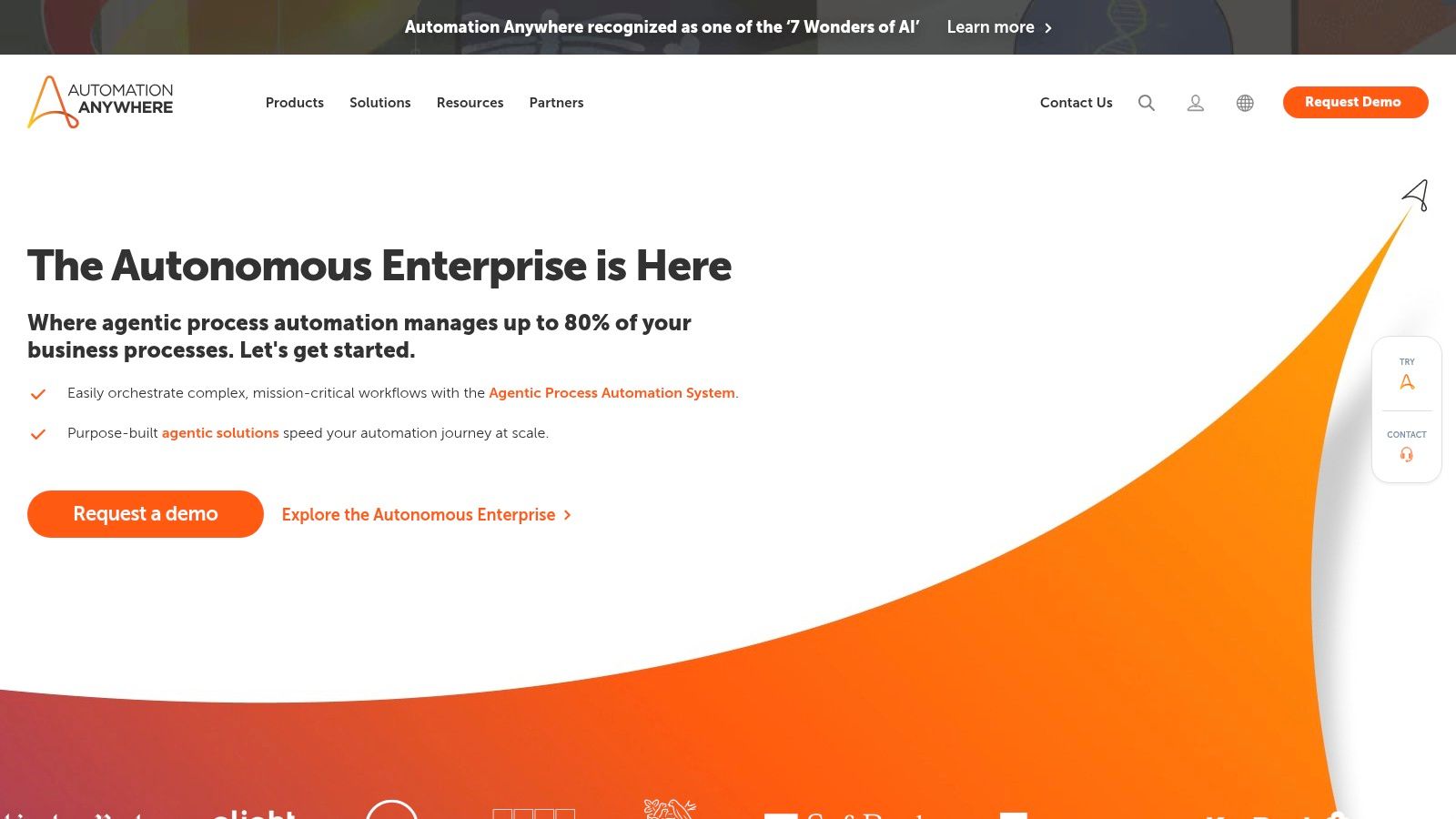
What makes Automation Anywhere unique is its Bot Store, a marketplace of pre-built, ready-to-deploy bots for common business processes. This significantly reduces development time and allows teams to implement proven solutions quickly. The platform’s documented ROI from major U.S. enterprises and its commitment to 99.9% uptime underscore its reliability for mission-critical operations. A free Community Edition is also available for developers and small businesses to explore its capabilities.
Key Details & Use Cases
- Best For: Large enterprises needing a scalable, secure, and compliant RPA platform with extensive support and a marketplace of pre-built solutions.
- Standout Feature: The Bot Store, which offers a wide range of pre-built bots that accelerate automation deployment for specific tasks and industries.
- Practical Use Case: A financial services firm can purchase a pre-built bot pack from the Bot Store to automate invoice processing, using AI to extract data from documents, validate it against internal systems, and route it for payment approval.
- Pricing: A Community Edition is free. Paid enterprise plans (Cloud Starter Pack) have higher entry costs, and additional expenses for Bot Store purchases can increase the total cost.
Website: https://www.automationanywhere.com
8. Workato
Workato positions itself as an enterprise-grade integration platform as a service (iPaaS) that has deeply integrated AI into its core. It’s designed for mid-to-large organizations that require robust governance, security, and scalability for their automation initiatives. The platform allows both IT and business teams to collaborate on building complex, multi-app workflows, known as "recipes," within a low-code environment.
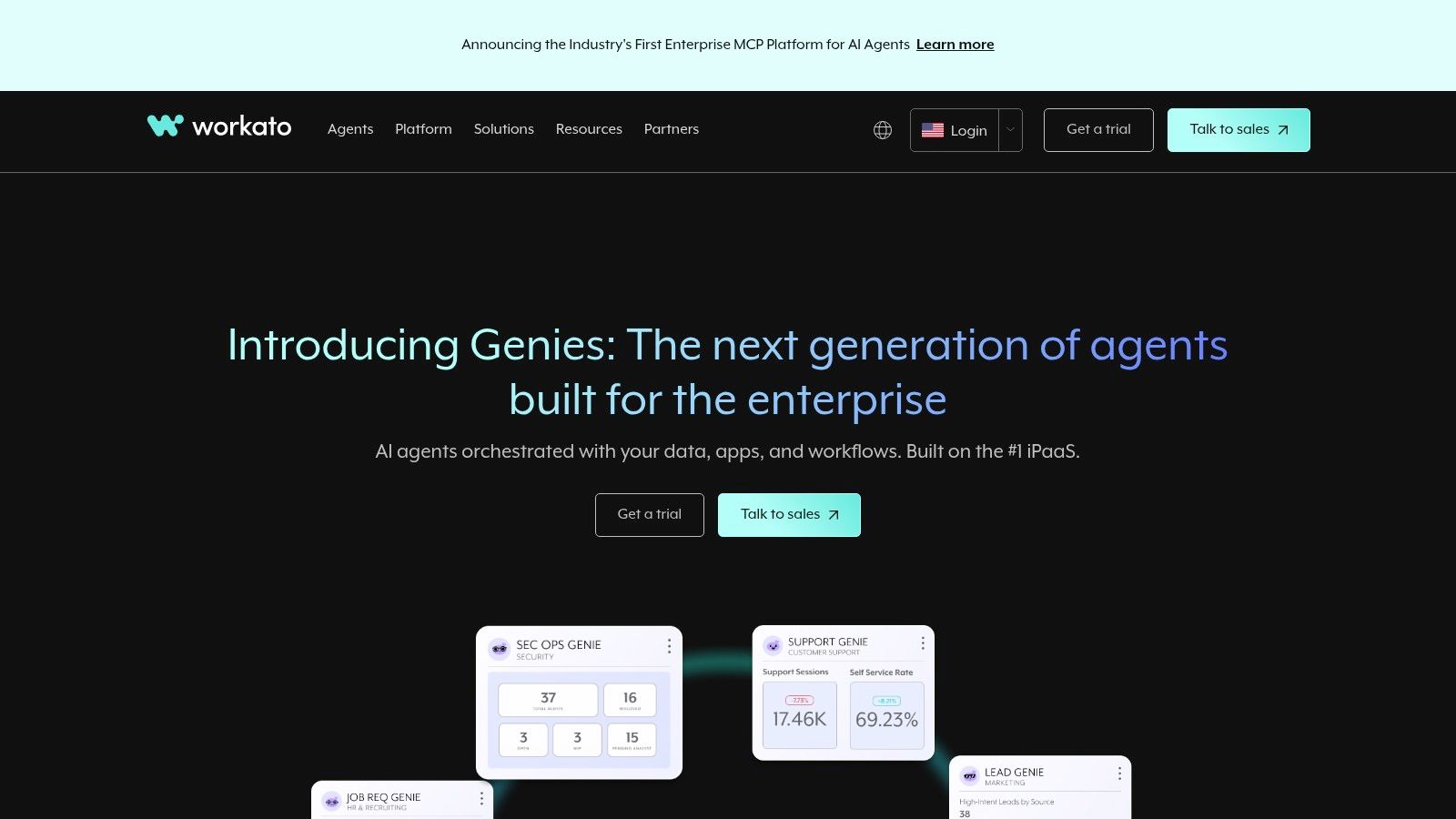
As one of the most powerful ai workflow automation tools for the enterprise, Workato shines with its AI-powered connectors for models like OpenAI and Anthropic. This enables sophisticated automations like sentiment analysis on customer feedback or intelligent document processing. Its "Workflow Apps" feature also allows for human-in-the-loop processes, ensuring critical decisions receive oversight before the automation proceeds, blending AI efficiency with human judgment.
Key Details & Use Cases
- Best For: Mid-to-large enterprises needing a secure, scalable platform with strong IT governance and audit trails for both business and IT-led automation.
- Standout Feature: Workflow Apps that create interactive, human-in-the-loop interfaces, allowing for approval steps and data validation within an automated process.
- Practical Use Case: Automatically route a new high-value support ticket from Zendesk, use an AI step to analyze its sentiment and urgency, then present the summary in a Slack Workflow App for a manager to approve the priority level and assign a specialist.
- Pricing: Usage-based pricing with multiple platform editions. Pricing details are not public and require engagement with their sales team.
Website: https://www.workato.com
9. Tray.ai
Tray.ai positions itself as an enterprise-grade Integration Platform as a Service (iPaaS) that has fully embraced AI. While it handles traditional API-based automation with robust security and governance, its modern appeal comes from the Merlin Agent Builder. This feature allows businesses to create AI agents that can reason and act across various systems, making it a powerful platform for companies ready to pilot advanced, agent-based ai workflow automation tools within a secure, governed framework.
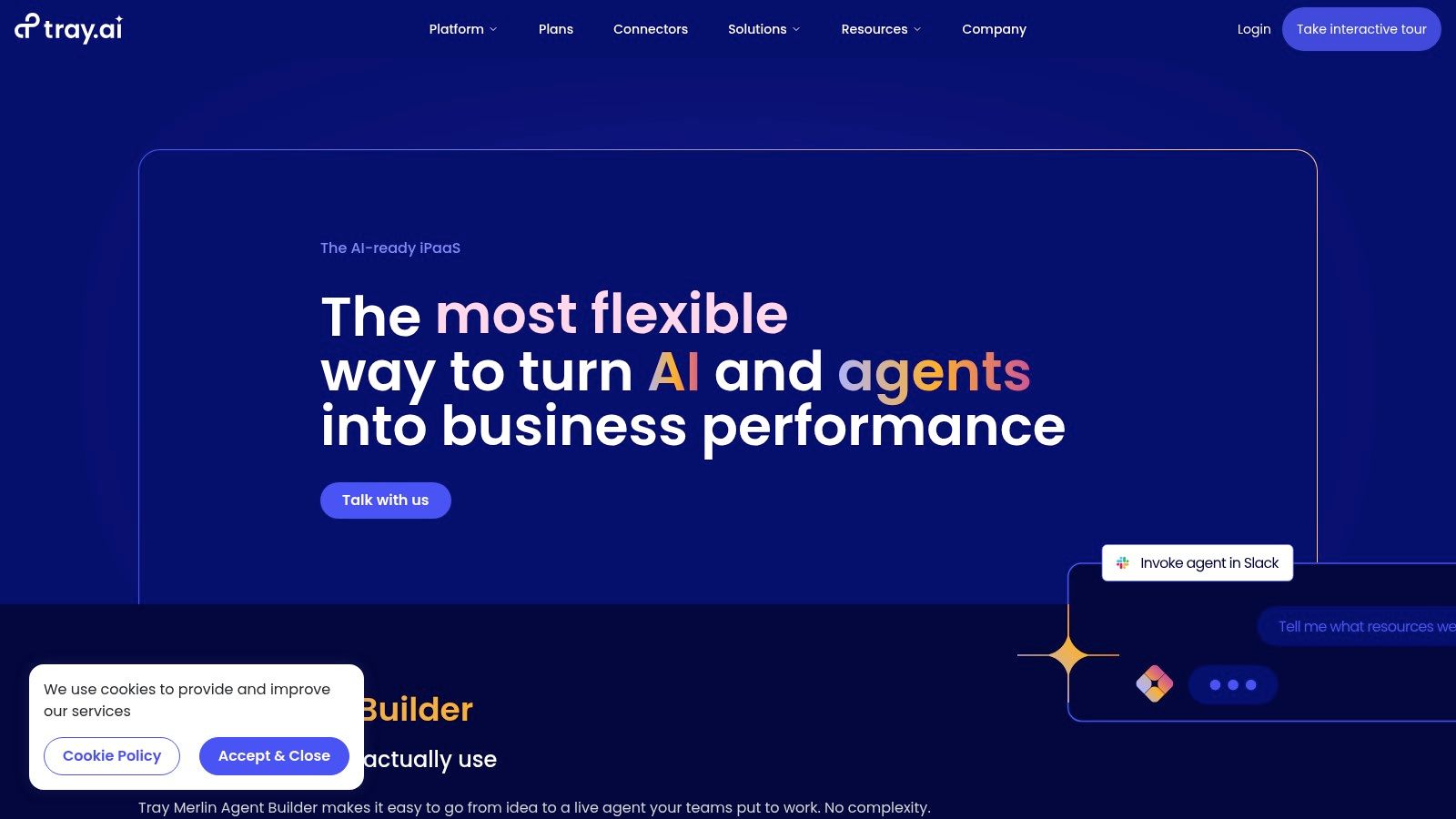
The platform is designed to bridge the gap between legacy system integrations and cutting-edge AI capabilities. With features like memory, guardrails, and multi-channel deployment, Tray.ai's Merlin agents can handle complex, multi-step processes that require context and decision-making. This makes it a strong choice for enterprises needing both the flexibility of AI and the stringent controls of a traditional iPaaS, including detailed audit logs and on-premises connectivity options.
Key Details & Use Cases
- Best For: Enterprises needing a secure, scalable platform to build AI agents alongside traditional API integrations with strong governance.
- Standout Feature: The Merlin Agent Builder, which equips AI agents with memory and reasoning capabilities to execute complex tasks autonomously.
- Practical Use Case: Deploy an AI agent for ITSM that fields an employee's IT request via Slack, creates a ticket in Jira Service Management, queries a knowledge base for a solution, and provides an instant answer back to the employee.
- Pricing: Pricing is not publicly listed and requires a sales consultation. Plans are usage-based and tiered for Pro, Team, and Enterprise needs.
Website: https://tray.ai
10. AWS Marketplace
While not a standalone tool, AWS Marketplace is a critical procurement hub for discovering and deploying enterprise-grade ai workflow automation tools. For organizations already invested in the AWS ecosystem, it provides a streamlined way to find, purchase, and manage software from thousands of vendors directly through their existing AWS account. This simplifies billing, consolidates contracts, and ensures tools meet stringent security and compliance standards, making it an essential resource for scalable enterprise automation.
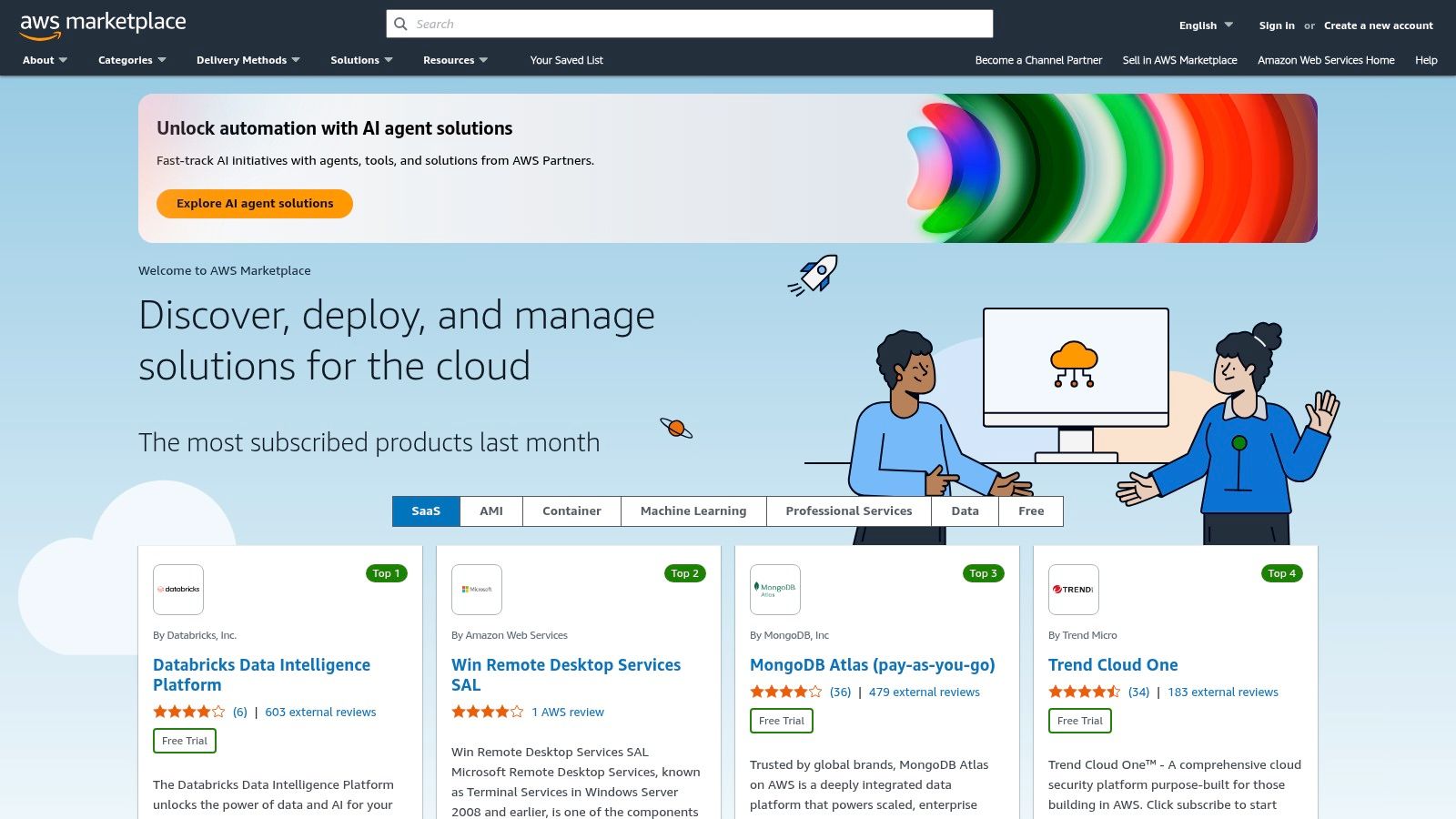
The platform’s real value lies in its centralized governance and procurement features. Instead of navigating separate legal and billing processes for each new tool, teams can leverage standardized AWS terms, private offers for custom pricing, and flexible pay-as-you-go models. This accelerates the adoption of powerful AI-infused platforms for operations, collaboration, and data processing, all while maintaining financial and operational oversight.
Key Details & Use Cases
- Best For: Enterprises committed to the AWS cloud ecosystem seeking a secure, centralized way to procure and deploy vetted automation software.
- Standout Feature: Consolidated billing and procurement that integrates third-party software costs directly into the monthly AWS invoice, simplifying budget management.
- Practical Use Case: A financial services company uses AWS Marketplace to find and deploy a compliant, AI-powered document processing tool. They purchase it using a private offer, deploy it on their AWS infrastructure, and pay for it via their consolidated AWS bill.
- Pricing: Varies widely by vendor. AWS Marketplace facilitates the transaction, but pricing models (per-user, usage-based, etc.) are set by the individual software providers.
Website: https://aws.amazon.com/marketplace
11. Salesforce AppExchange (Automation & Workflow categories)
For organizations deeply embedded in the Salesforce ecosystem, the Salesforce AppExchange is an essential resource for extending automation capabilities. It's less a standalone tool and more a marketplace of powerful, pre-built apps and components designed to integrate flawlessly with Salesforce Flow. This makes it one of the most practical sources for ai workflow automation tools if your business operations revolve around Salesforce CRM, unlocking everything from AI-powered lead scoring to automated document generation.
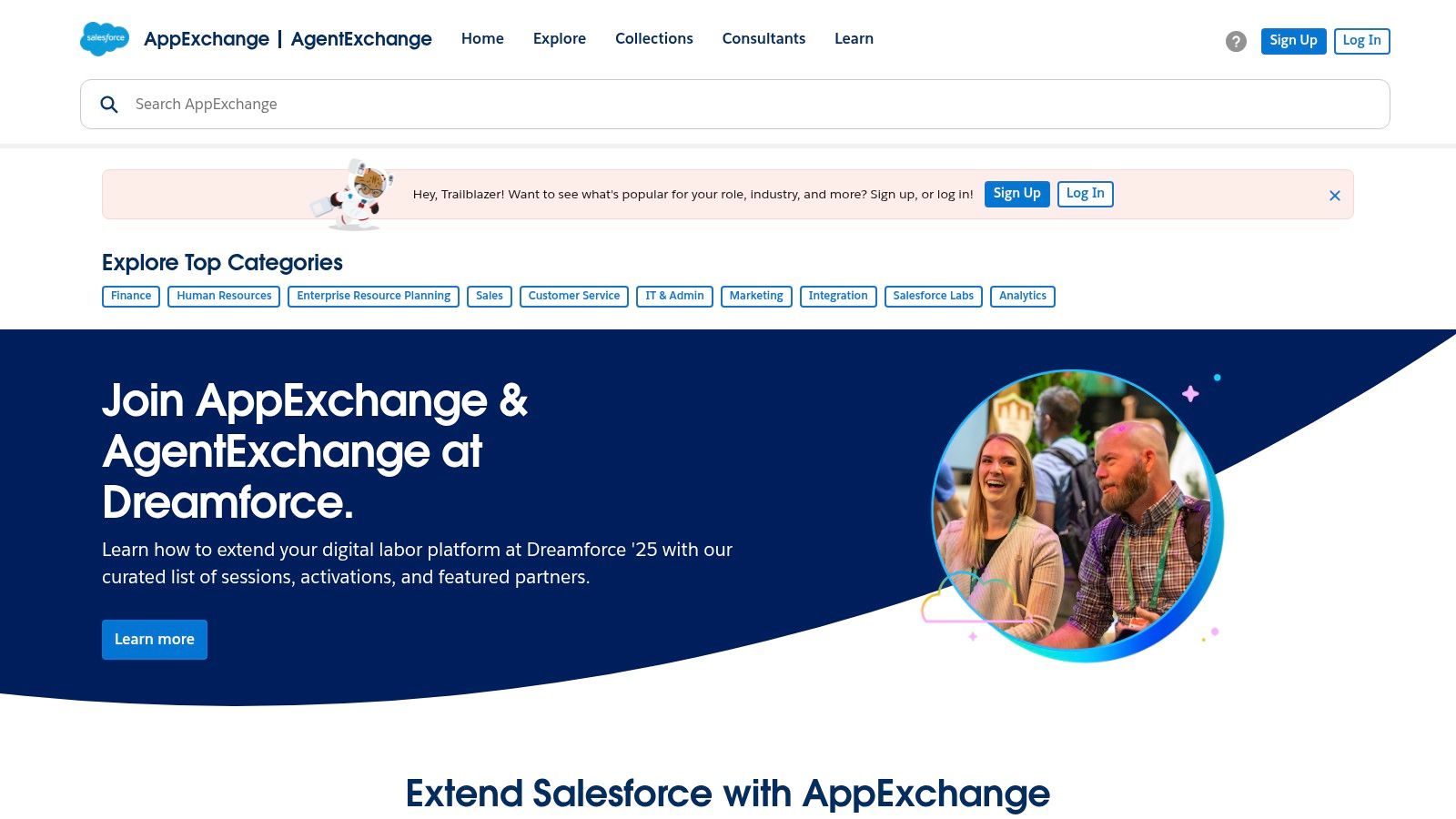
What makes the AppExchange stand out is its plug-and-play nature. Instead of building complex automations from scratch, teams can install managed packages that add specific functionalities directly into their Salesforce org. The platform offers thousands of solutions with transparent user reviews, version histories, and vendor support details, allowing for thorough due diligence before installation. Many apps leverage AI to enrich data, predict outcomes, and streamline internal processes.
Key Details & Use Cases
- Best For: Companies already using Salesforce who need to rapidly deploy specialized automation without extensive custom development.
- Standout Feature: Deep, native integration with Salesforce data and processes, allowing for faster and more reliable deployments than third-party connectors.
- Practical Use Case: A sales team installs an AI-powered document generation app from the AppExchange. Now, when an opportunity stage is updated in Salesforce, the app automatically creates a customized proposal using the opportunity data, sends it for internal approval, and logs the activity on the contact record.
- Pricing: Varies widely by app. Many offer free trials or freemium versions, while paid apps can range from a per-user monthly fee to a flat annual license.
Website: https://appexchange.salesforce.com
12. G2
While not an automation tool itself, G2 is an indispensable resource for discovering and vetting the right platform for your needs. It serves as a massive peer-review and software marketplace, making it a critical first stop when researching ai workflow automation tools. Instead of relying on marketing copy, you get access to thousands of authentic user reviews, detailed feature comparisons, and real-time market-leader grids, which provide a clear, unbiased view of the software landscape.
G2’s value lies in its structured, crowd-sourced data. You can filter tools by company size, user satisfaction scores, and specific features, allowing you to quickly shortlist vendors that fit your exact requirements. Its detailed comparisons and user-submitted pros and cons help you understand the practical strengths and weaknesses of each platform before committing to a demo or trial, saving significant time and reducing the risk of a poor investment.
Key Details & Use Cases
- Best For: Businesses in the evaluation phase wanting to compare potential tools using crowd-sourced user data and unbiased market reports.
- Standout Feature: The G2 Grid, which visually plots platforms based on user satisfaction and market presence, offering an at-a-glance view of category leaders.
- Practical Use Case: A marketing manager needs an AI automation tool for lead nurturing. They use G2 to filter for platforms with high ratings for "lead management" and "email automation," read reviews from similar-sized companies, and create a shortlist of the top three contenders for demos.
- Pricing: Free to browse and use for research. Vendors pay for premium profile features and lead generation services.
Website: https://www.g2.com/categories/workflow-management
AI Workflow Automation Tools Comparison
| Platform | Core Features & Integration | User Experience & Quality | Value & Pricing | Target Audience | Unique Selling Points |
|---|---|---|---|---|---|
| Agentic AI Solutions & Custom LLMs (AI Studio) — Site Igniters 🏆 | Custom LLMs, AI-driven workflow automation, compliance-focused ✨ | Proven results, scalable, expert-backed ★★★★☆ | Custom pricing, high ROI 💰 | Businesses adopting AI automation 👥 | Combines AI with marketing & accessibility 🏆✨ |
| Zapier | AI Agents, 3,000+ app integrations, no-code automation | Easy for non-devs, templates ★★★★☆ | Pay-per-task, flexible plans 💰 | Small to mid teams, non-tech 👥 | Largest app ecosystem, AI chatbots ✨ |
| Make (formerly Integromat) | Visual builder, 2,000+ integrations, credit-based usage | Technical control, affordable ★★★★ | Credit system, free trial 💰 | Tech-savvy users, SMBs 👥 | Granular logic, cost-effective automation |
| n8n | Open-source, self-hosted & cloud, unlimited steps | Extensible, execution-based pricing ★★★☆ | Free self-host, usage pricing 💰 | Developers, data-sensitive teams 👥 | Full control, JavaScript extensibility |
| Microsoft Power Automate | Cloud & desktop RPA, AI Builder, deep MS 365/Azure integration | Strong governance, Microsoft ecosystem ★★★★ | Licensed users/bots 💰 | Enterprises in Microsoft stack 👥 | Unattended bots, process mining |
| UiPath | Enterprise RPA, AI, process mining, strong security | Mature platform, educational resources ★★★★ | Enterprise pricing varies 💰 | Large regulated industries 👥 | Broad enterprise features, community support |
| Automation Anywhere | Cloud-native RPA, Bot Store, 99.9% uptime | Enterprise-grade support ★★★★ | Higher starter cost + add-ons 💰 | Enterprises scaling RPA 👥 | Prebuilt bots, multi-cloud deployment |
| Workato | AI-assisted recipes, usage-based pricing, governance | Scalable, enterprise audit ★★★★ | Usage pricing, sales quoted 💰 | Mid-large IT/business teams 👥 | AI connectors, workflow apps |
| Tray.ai | Merlin Agent Builder, task pricing, enterprise security | Enterprise flexibility ★★★☆ | Sales-quoted pricing 💰 | Pilot AI agents, regulated orgs 👥 | AI & legacy integration combined |
| AWS Marketplace | SaaS & AMI listings, centralized billing, private offers | Vendor vetted, flexible trials ★★★☆ | Diverse pricing by vendor 💰 | Enterprises buying cloud software 👥 | Centralized procurement, AWS infrastructure |
| Salesforce AppExchange | Thousands of apps, Salesforce integration | Transparent pricing, reviews ★★★★ | Varied pricing, nonprofit discounts 💰 | Salesforce users, admins 👥 | Lightning-ready, rich user feedback |
| G2 | Market & user reviews, pricing snapshots | Crowd-sourced insights ★★★★ | Free comparison tool 💰 | Buyers researching software 👥 | Real-world user feedback, category grids |
Choosing the Right Automation Partner for Your Growth
Navigating the expansive landscape of AI workflow automation tools can feel overwhelming, but this strategic decision is foundational to your business's future efficiency and scalability. We've explored a wide spectrum of solutions, from the accessible, no-code simplicity of Zapier to the developer-centric power of n8n and the enterprise-grade robotic process automation (RPA) offered by giants like UiPath and Automation Anywhere. The key takeaway is that there is no single "best" platform; the right choice is deeply personal to your organization's unique context.
Your selection process should be a deliberate evaluation, not just a feature comparison. For a small business in Sacramento just beginning its automation journey, a tool like Zapier or Make provides an excellent, low-risk starting point to connect everyday apps. A larger e-commerce brand or a healthcare provider with complex compliance needs, however, might require the robust, scalable architecture of Workato or the specific, pre-built solutions found within the Salesforce AppExchange. The most crucial step is to first map your existing workflows and identify the most painful, repetitive, and time-consuming bottlenecks.
Final Considerations Before You Commit
Before finalizing your decision on which ai workflow automation tools to implement, consider these critical factors:
- Total Cost of Ownership (TCO): Look beyond the monthly subscription fee. Factor in implementation time, training costs for your team, and the potential need for specialized developers or consultants. A seemingly cheaper tool might become more expensive if it requires significant technical resources to manage.
- Scalability and Future-Proofing: Your business will grow, and your automation needs will evolve. Does the platform have a clear roadmap? Can it handle an increasing volume of tasks and more complex, multi-step workflows without a significant performance drop or prohibitive price increases?
- Support and Community: When a critical workflow breaks, you need immediate and effective support. Evaluate the quality of the platform’s documentation, the responsiveness of its customer service, and the vibrancy of its user community. A strong community can be an invaluable resource for troubleshooting and discovering new use cases.
Your Path to Intelligent Automation
The journey toward intelligent automation is a marathon, not a sprint. It begins with identifying a single, high-impact process to automate and builds from there. Whether you opt for a user-friendly platform to connect your marketing stack or invest in a custom agentic AI solution to revolutionize your core operations, the goal remains the same: to free your team from mundane tasks and empower them to focus on strategic, high-value work.
By carefully selecting the right automation partner, you are not just buying a piece of software. You are investing in a more resilient, efficient, and intelligent future for your business. The right tools will act as a force multiplier, enabling your team to achieve more, reduce errors, and deliver exceptional value to your clients and customers.
Ready to move beyond off-the-shelf solutions and build truly intelligent workflows tailored to your unique business challenges? The experts at Site Igniters specialize in creating custom LLMs and agentic AI Studio solutions that integrate seamlessly into your operations. Book a discovery call with Site Igniters today to explore how a bespoke AI strategy can unlock your company's full potential.
Seth Sanders is the founder of Site Igniters, a digital marketing agency in El Dorado Hills, California.