
12 Best Website Accessibility Testing Tools for 2025

Creating a digitally inclusive experience is no longer optional; it's a critical business imperative. With over one billion people worldwide living with a disability, a non-accessible website effectively closes its doors to a massive segment of the potential market. Simultaneously, the rising tide of ADA-related lawsuits presents a significant legal and financial risk for businesses of all sizes, from local Sacramento service providers to national e-commerce brands. Making your website accessible isn't just about compliance; it's a strategic advantage that enhances user experience for everyone, improves SEO, and strengthens your brand's reputation.
- Automated accessibility testing tools catch up to 30-40% of WCAG issues and are essential as a first-pass audit.
- Top tools like axe DevTools, WAVE, and Lighthouse each excel at different aspects of accessibility testing.
- Combine automated scanning with manual testing and real user feedback for comprehensive compliance.
The challenge lies in identifying and fixing accessibility barriers effectively. This is where website accessibility testing tools become indispensable. These tools fall into two primary categories: automated scanners that quickly flag common code-level errors, and manual-support tools that assist human testers in evaluating nuanced user experience issues. A robust accessibility strategy requires both, as automated tools can typically detect only about 30-50% of all potential WCAG (Web Content Accessibility Guidelines) violations. They excel at finding issues like missing alt text or contrast errors but can't assess if the user journey is logical or if content is easily understandable. For insights on improving the impact of these tools and fostering a more inclusive web, this article offers valuable strategies: Enhancing Accessibility Testing Tools For A More Inclusive Web.
This guide cuts through the noise to provide an actionable, in-depth comparison of the best website accessibility testing tools available today. We'll explore each platform's features, limitations, pricing, and ideal use cases-whether you're a small business in El Dorado Hills, a healthcare provider needing to meet strict compliance, or an enterprise-level marketing team. Each review includes screenshots and direct links to help you find the perfect solution to start building a more accessible, and more successful, online presence.
1. Deque axe DevTools
Deque axe DevTools is a foundational suite of website accessibility testing tools trusted by developers and enterprises globally. Powered by the highly respected axe-core open-source rules engine, it is renowned for its accuracy and extremely low rate of false positives, which saves development teams significant time and resources. The free browser extension for Chrome, Edge, and Firefox offers a powerful entry point, allowing developers to run on-demand automated scans directly within their browser's developer tools.
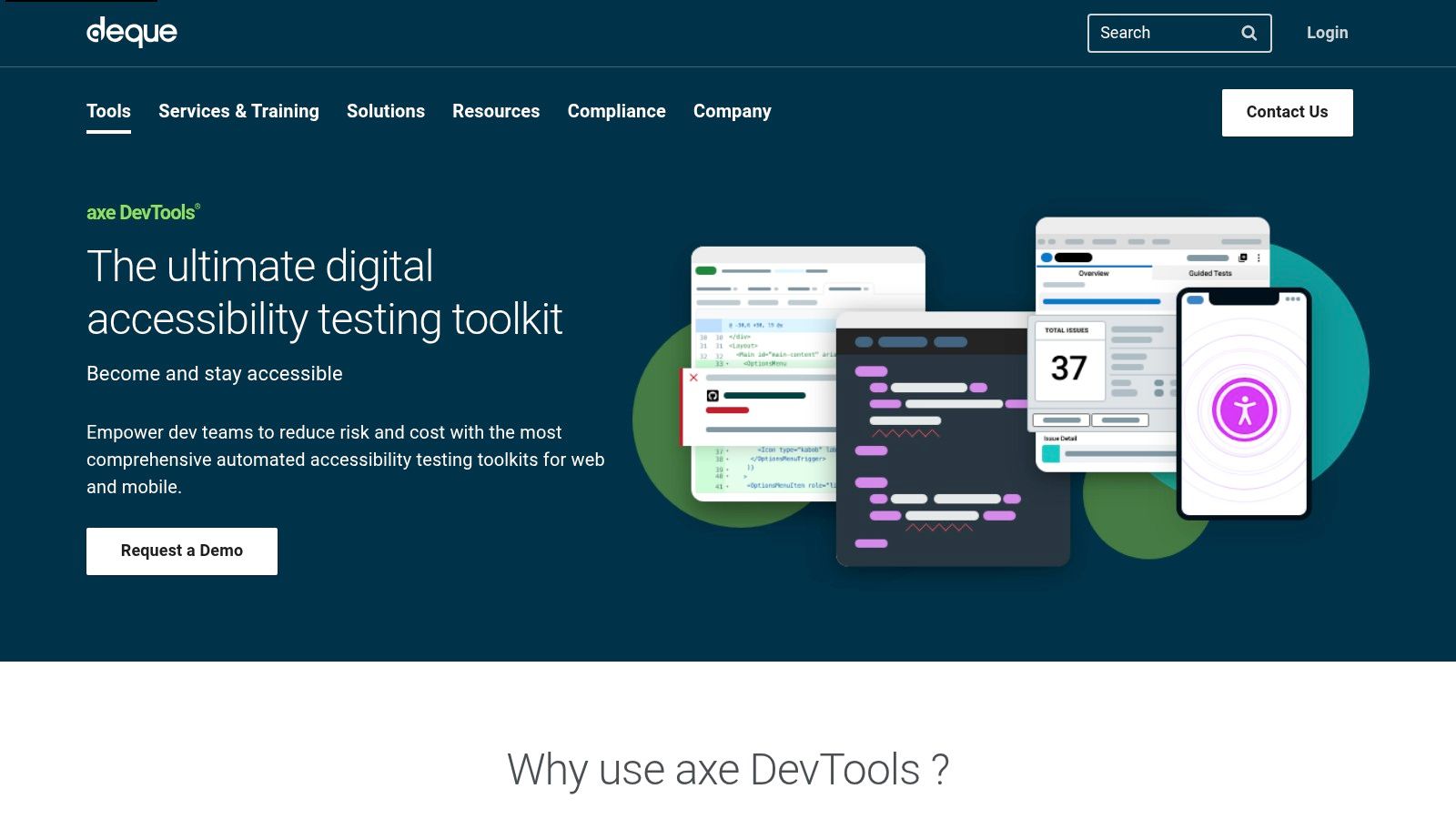
What sets axe DevTools apart is its scalability. While the free tool is perfect for individual developers, the paid Pro and Enterprise tiers unlock a more comprehensive testing ecosystem. These plans introduce Intelligent Guided Tests, a semi-automated feature that walks users through complex checks, such as keyboard navigation and modal dialogs, that pure automation cannot cover. This drastically increases testing coverage without requiring deep accessibility expertise.
Key Features & Use Cases
- Best For: Development teams of all sizes, from solo freelancers to large, regulated enterprises in sectors like finance and healthcare that require robust, scalable compliance solutions.
- Pricing: Starts with a powerful free browser extension. Paid plans (Pro and Enterprise) add advanced features, integrations, and reporting.
- Integrations: The platform excels at DevOps integration, offering APIs and CLI tools to embed accessibility checks directly into CI/CD pipelines (e.g., Jenkins, GitHub Actions).
- Practical Tip: Use the free extension to establish a baseline for accessibility health. When you need to collaborate with a team, export results, or tackle complex components, upgrading to the Pro plan provides the necessary tools for a more structured workflow.
Website: https://www.deque.com/axe/devtools/
2. WAVE by WebAIM
WAVE is a long-standing suite of evaluation tools developed by WebAIM (Web Accessibility in Mind), a highly respected non-profit organization. It is primarily designed to facilitate human evaluation of web content by identifying accessibility issues and providing educational feedback. Its free online checker and browser extensions for Chrome, Firefox, and Edge are excellent for performing quick, page-level reviews, making it a go-to for educators, students, and content managers. WAVE injects icons and indicators directly into a live version of your page, providing a powerful visual breakdown of errors, contrast issues, and structural elements.
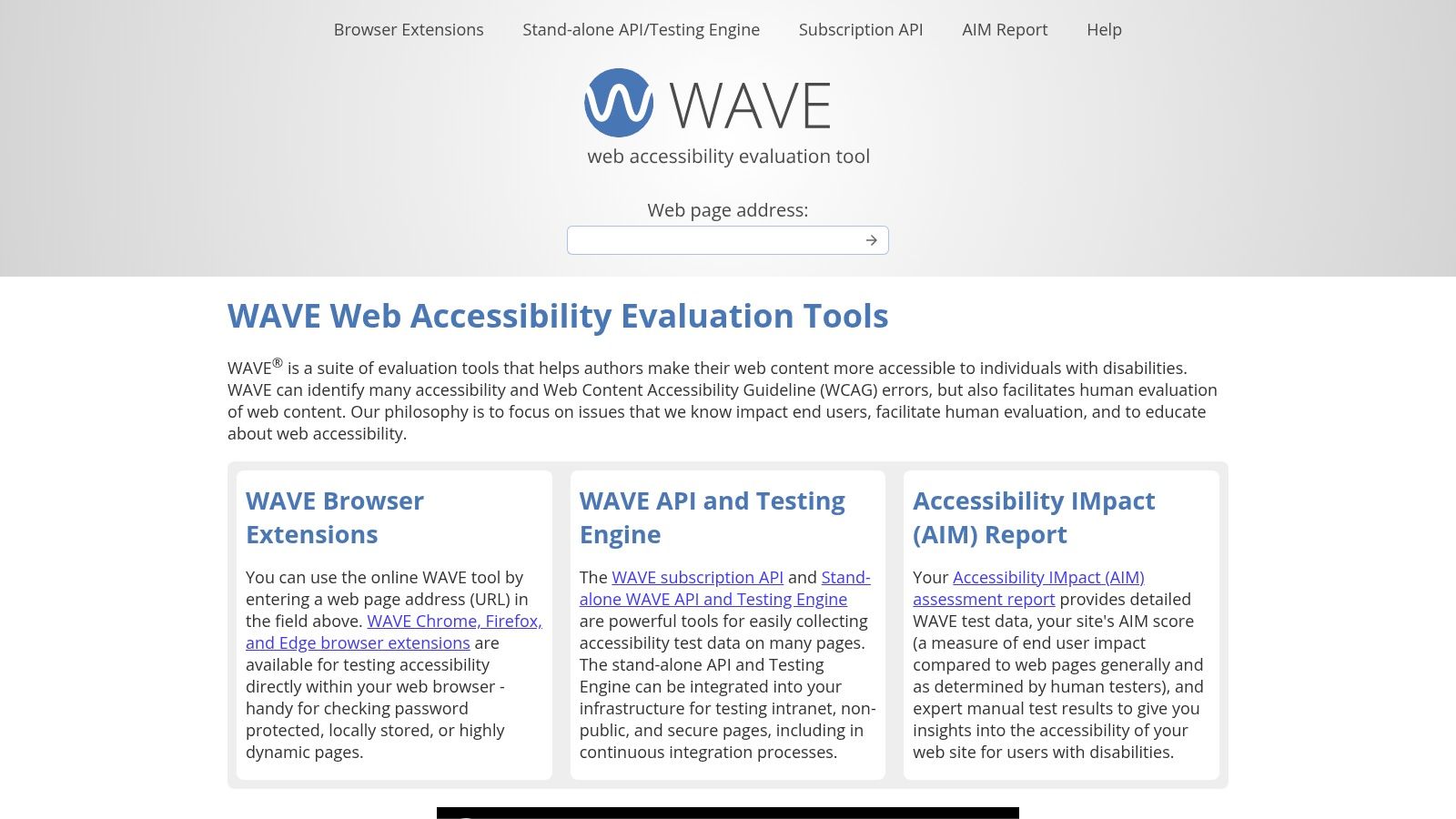
What makes WAVE one of the best website accessibility testing tools is its emphasis on teaching. Rather than just listing errors, it explains why an issue matters and links directly to relevant WCAG documentation, helping users understand the principles behind accessibility. While the free tools operate on a page-by-page basis, WebAIM offers a paid API and a standalone engine for organizations that need to run scripted, automated scans across entire websites or integrate checks into their development process. The browser extensions also work on password-protected or intranet pages, adding to their utility.
Key Features & Use Cases
- Best For: Content creators, designers, and developers new to accessibility; it's also a trusted standard in higher education and the public sector for quick page audits.
- Pricing: The online checker and browser extensions are completely free. A subscription-based API and enterprise-level engine are available for large-scale, automated testing.
- Integrations: The free tools do not have direct CI/CD integrations. However, the paid API and engine can be scripted to fit into automated workflows.
- Practical Tip: Use the "Structure" tab in the WAVE sidebar to get a quick visual outline of your page's heading hierarchy (H1, H2, H3, etc.). This is one of the fastest ways to spot and fix logical navigation issues that impact screen reader users.
Website: https://wave.webaim.org/
3. Google Lighthouse
Google Lighthouse is an open-source, automated auditing tool built directly into Chrome DevTools, making it one of the most accessible and widely used website accessibility testing tools available. It provides a holistic view of a webpage's quality by analyzing not only accessibility but also Performance, SEO, and Best Practices. This multi-faceted approach helps developers and marketers understand how accessibility impacts the overall user experience and search visibility, all from a convenient panel within their browser.
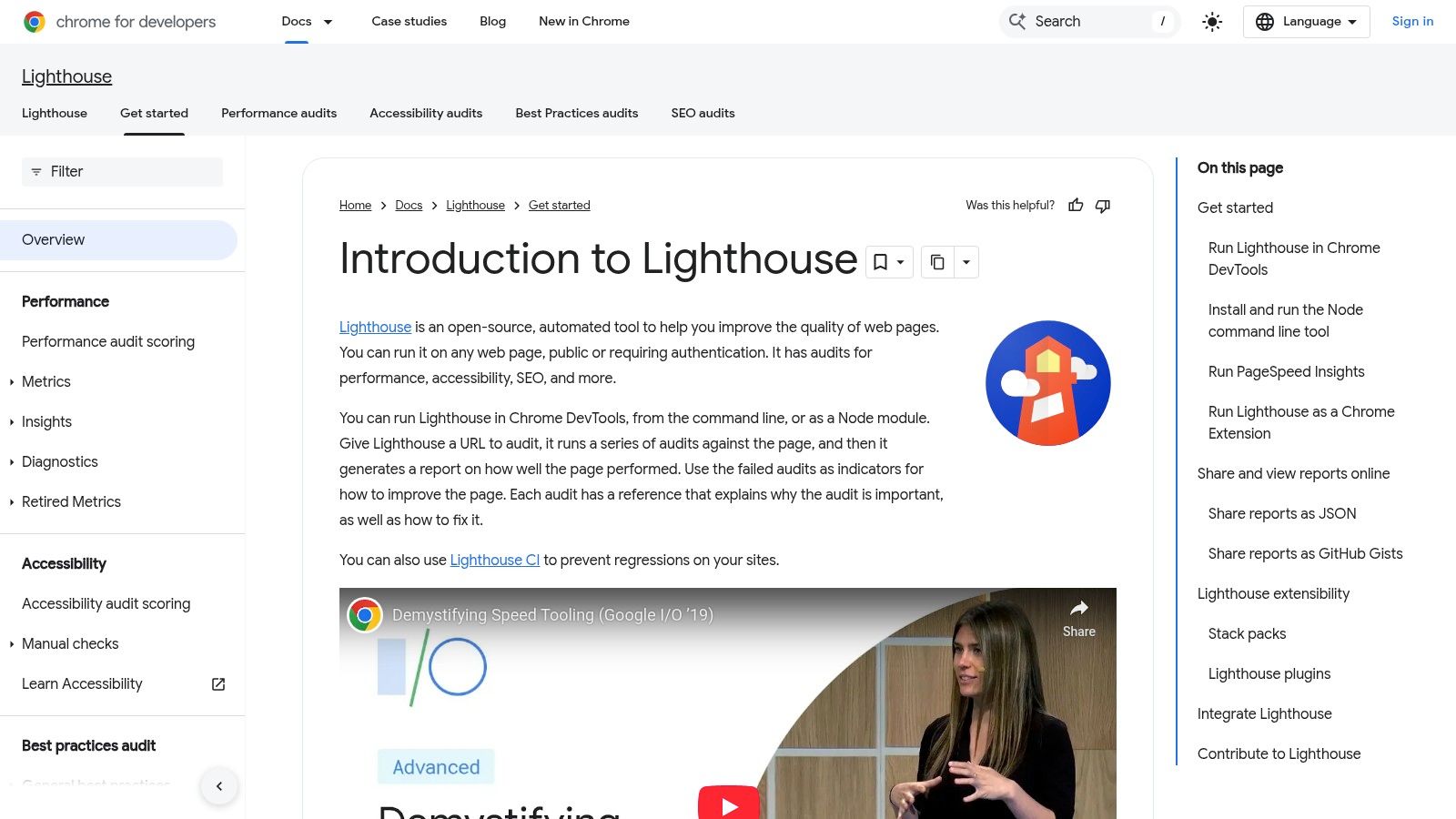
What makes Lighthouse so valuable is its ease of use and integration into the standard development workflow. By running an audit with a single click, users receive an accessibility score from 0-100, accompanied by a detailed report of failures and passes. While it doesn't offer the comprehensive ruleset of a dedicated tool like axe, its ability to be run via the command line (CLI) or integrated into continuous integration (CI) systems allows teams to automate baseline accessibility checks, catching regressions before they reach production.
Key Features & Use Cases
- Best For: Developers, marketers, and QA testers who need a quick, integrated way to perform high-level audits and check for common accessibility issues alongside other key web vitals.
- Pricing: Completely free. It's built into Google Chrome and available as an open-source project.
- Integrations: Can be run programmatically via Node or the CLI, enabling powerful integrations with CI/CD platforms like GitHub Actions or Jenkins to automate auditing.
- Practical Tip: Use Lighthouse to get a quick health check of your site's accessibility. A low score here is a strong indicator that a more in-depth audit is necessary. For a comprehensive analysis of how these metrics align with your business goals, consider starting with a website discovery process.
Website: https://developer.chrome.com/docs/lighthouse/overview/
4. Accessibility Insights (Microsoft)
Accessibility Insights is a powerful suite of free, open-source website accessibility testing tools developed by Microsoft. It is designed to empower development teams to find and fix common accessibility issues quickly and efficiently. The platform's standout feature is its guided workflow, particularly the "FastPass," which uses a simple two-step process to identify over 50% of the most common WCAG failures in under five minutes. This makes it an excellent entry point for teams just beginning their accessibility journey.
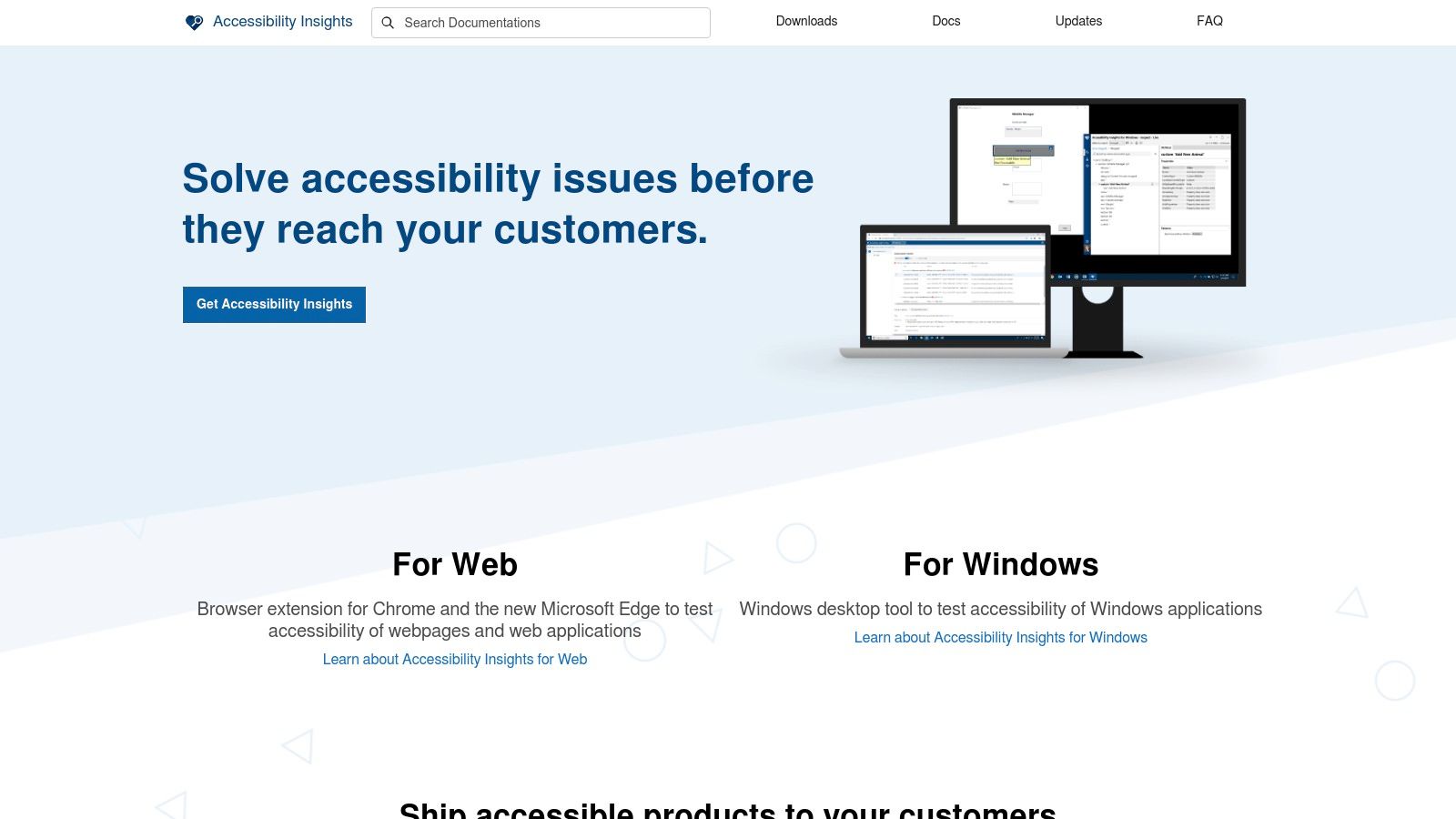
What makes Accessibility Insights unique is its emphasis on education and guided testing. Beyond automated checks, the tool provides visual helpers for manual tests, such as identifying tab stops, assessing color contrast, and inspecting headings. The detailed "Assessment" workflow provides step-by-step instructions and tutorials for all 24 WCAG 2.1 AA success criteria, effectively training developers on accessibility best practices as they test. This focus on building team capability sets it apart from other free tools.
Key Features & Use Cases
- Best For: Teams new to accessibility, individual developers, and organizations looking for a no-cost, high-value tool for training and initial compliance checks.
- Pricing: Completely free and open source.
- Integrations: Available as a browser extension for Chrome and Microsoft Edge, as well as a dedicated application for Windows app testing.
- Practical Tip: Use the "FastPass" feature regularly during development sprints to catch high-impact issues early. For a more thorough review, run the full "Assessment" before a major release to gain a comprehensive understanding of your product's accessibility posture and generate a detailed report.
Website: https://accessibilityinsights.io/
5. TPGi ARC Platform and ARC Toolkit (Vispero)
TPGi’s ARC (Accessibility Resource Center) Platform provides an end-to-end solution for organizations committed to integrating accessibility into their operations. The ecosystem is built around a powerful rules engine, which is accessible for free via the ARC Toolkit, a browser extension for Chrome and Firefox. This allows individual developers and testers to perform detailed on-page WCAG analysis directly in the browser, making it an excellent tool for immediate issue identification during development.
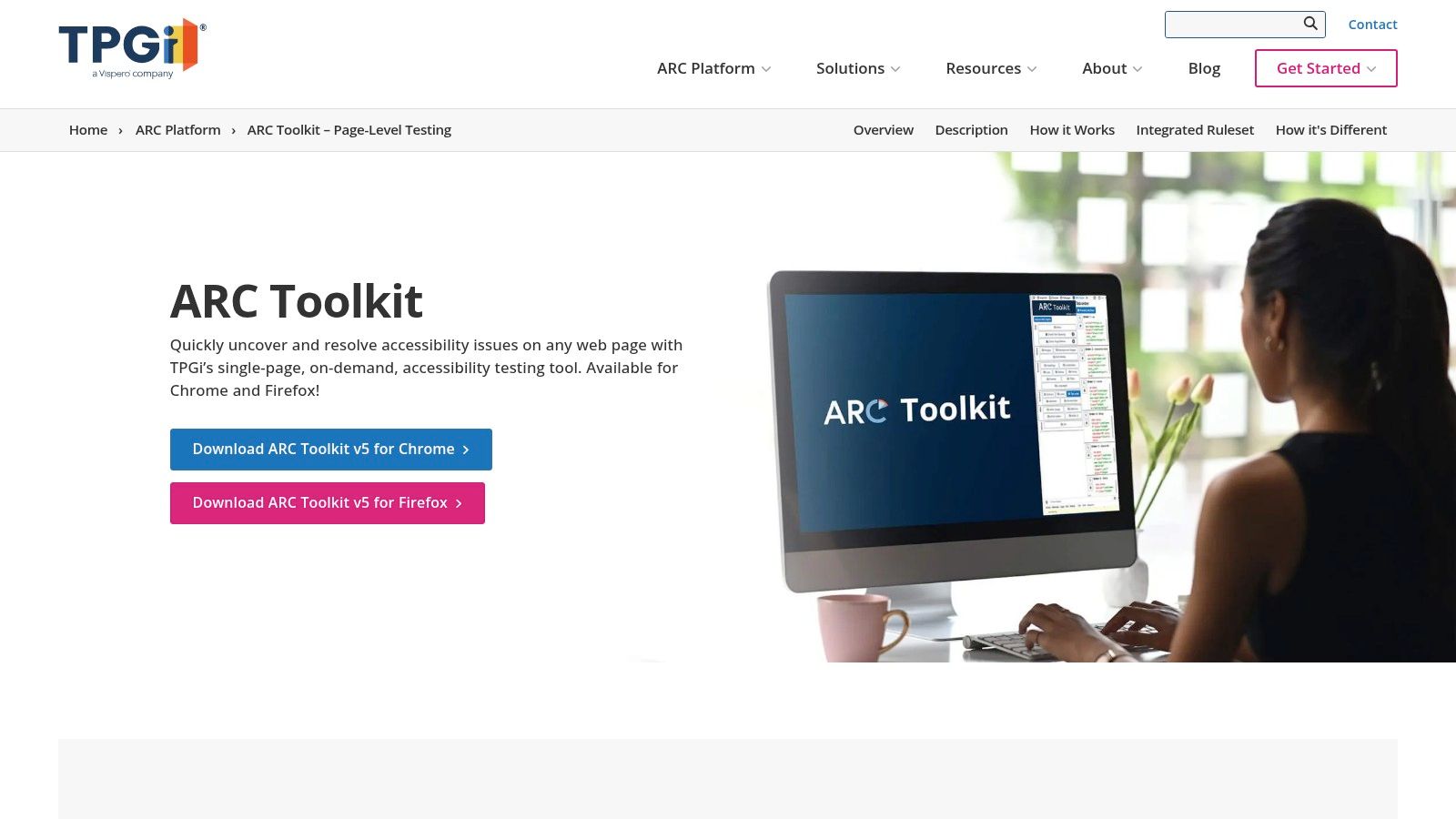
The true power of ARC is realized when the toolkit is used in conjunction with the broader enterprise platform. This paid platform introduces ARC Monitoring, which offers automated scanning, trend analysis dashboards, and detailed reporting to track accessibility health over time. What makes TPGi’s offering unique is its integration with the JAWS screen reader ecosystem and its comprehensive training modules (ARC Tutor), providing a holistic approach that combines automated testing, manual verification guidance, and professional development. This makes it one of the most comprehensive website accessibility testing tools for organizations seeking a single, unified system.
Key Features & Use Cases
- Best For: Medium to large organizations and enterprises, particularly those that require consistent monitoring, detailed reporting, and employee training as part of their accessibility program.
- Pricing: The ARC Toolkit is free. The ARC Platform uses a combination of seat-based tiers and usage-based pricing for automated scans, with clear pricing for API calls.
- Integrations: The platform provides APIs for seamless integration into CI/CD workflows, and its connection to the JAWS ecosystem provides valuable insights for manual testing.
- Practical Tip: Start by using the free ARC Toolkit to familiarize your team with TPGi's rules and reporting style. When ready to scale, the ARC Platform can be adopted to centralize monitoring and reporting without changing the underlying testing engine, ensuring a consistent workflow.
Website: https://www.tpgi.com/arc-platform/arc-toolkit/
6. Pope Tech
Pope Tech is a powerful, enterprise-grade accessibility scanning and monitoring platform built on the same WAVE engine that web developers have trusted for years. It is designed for organizations, particularly in the education and public sectors, that need to manage the accessibility of a large portfolio of websites over time. The platform automates the scanning process, allowing teams to schedule regular checks, identify accessibility issues at scale, and track progress through comprehensive dashboards and reports.
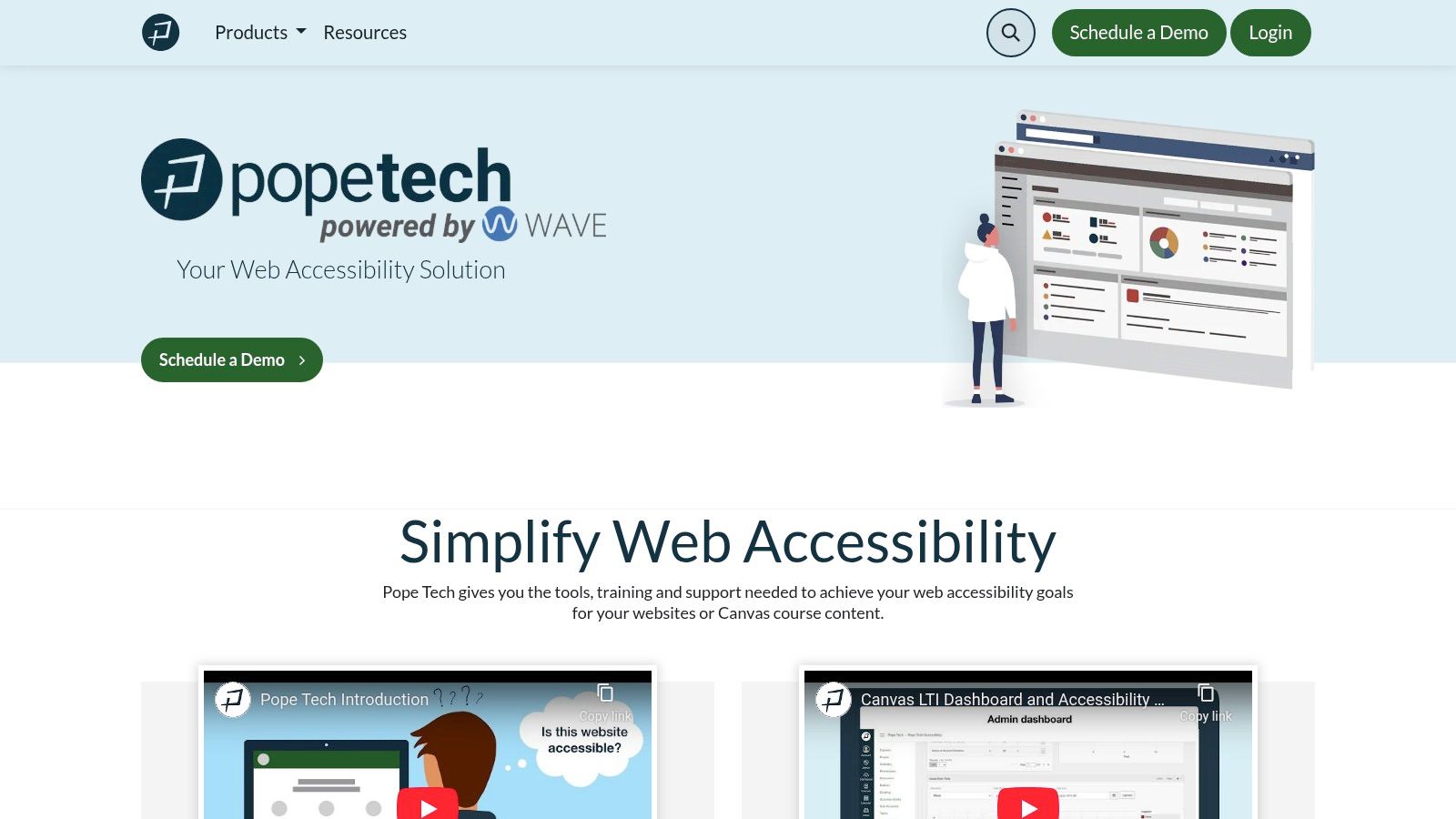
What makes Pope Tech a standout among website accessibility testing tools is its focus on organizational workflow and team collaboration. Unlike single-user browser extensions, Pope Tech provides a centralized system where unlimited users can view results, assign tasks, and monitor remediation efforts across different departments or websites. This makes it an ideal solution for enforcing consistent accessibility standards and maintaining compliance documentation, a critical aspect of a robust ADA website compliance strategy. The transparent, page-based pricing model also makes it highly accessible for organizations of all sizes.
Key Features & Use Cases
- Best For: Educational institutions, government agencies, and businesses managing multiple websites that require centralized, automated scanning and team-based reporting.
- Pricing: Offers a free plan for up to 25 pages per month. Paid plans are based on the number of pages scanned, with all tiers including unlimited users and websites.
- Integrations: Pope Tech offers API access for custom integrations and can be connected with various content management systems and CI/CD pipelines for automated workflows.
- Practical Tip: Start with the free plan to scan your most critical pages and understand the platform's reporting capabilities. Use the results to build a business case for a paid plan, emphasizing the value of unlimited users and scheduled scans for ongoing monitoring.
7. PowerMapper SortSite
PowerMapper SortSite is a comprehensive website quality and compliance scanner that goes beyond just accessibility. It positions itself as a broader auditing tool, checking for broken links, spelling errors, browser compatibility, and SEO issues alongside WCAG and Section 508 accessibility standards. This holistic approach is ideal for teams who want to consolidate their quality assurance efforts into a single platform, making it a powerful tool for overall website health management.
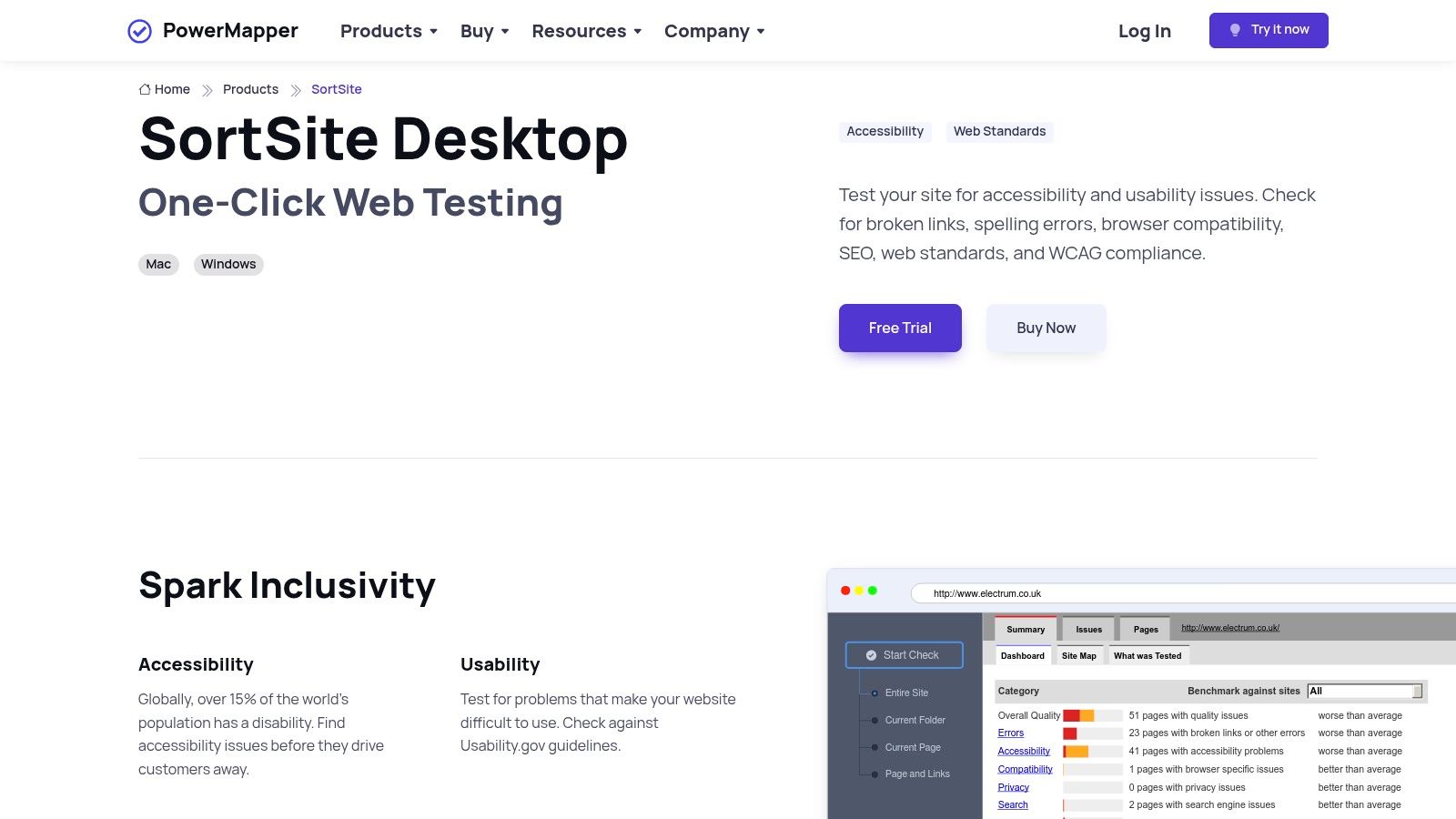
What makes SortSite unique is its flexible deployment model. Users can choose between a desktop application with a perpetual license or a cloud-based OnDemand subscription. The desktop version appeals to organizations that prefer a one-time purchase over recurring monthly fees, while the cloud option offers the convenience and scalability of modern SaaS solutions. This choice makes it a versatile option for different budgeting and IT policies.
Key Features & Use Cases
- Best For: Government agencies, educational institutions, and corporate teams that require a broad-spectrum site auditing tool and appreciate the option of a one-time perpetual license for desktop software.
- Pricing: Offers both perpetual desktop licenses (Standard, Professional, Developer) and tiered monthly OnDemand cloud plans. The desktop option is a significant differentiator from purely subscription-based tools.
- Integrations: While less focused on CI/CD pipeline integration, it provides robust reporting by exporting results to formats like Excel and Word, which is useful for documentation and compliance tracking.
- Practical Tip: Use the comprehensive scan to generate an initial site-wide health report. Filter the results specifically for accessibility issues to create a prioritized remediation backlog, then address other quality issues like broken links and spelling errors in parallel.
Website: https://www.powermapper.com/products/sortsite/
8. Siteimprove Accessibility
Siteimprove Accessibility is an enterprise-grade platform that extends far beyond automated scans, positioning itself as an all-in-one digital governance solution. While it offers a free browser extension for quick, on-page checks, its core strength lies in its comprehensive suite that integrates accessibility with quality assurance, analytics, and even search engine optimization (SEO). This holistic approach helps organizations manage their entire digital presence, ensuring that compliance efforts are part of a broader strategy for digital quality and performance.
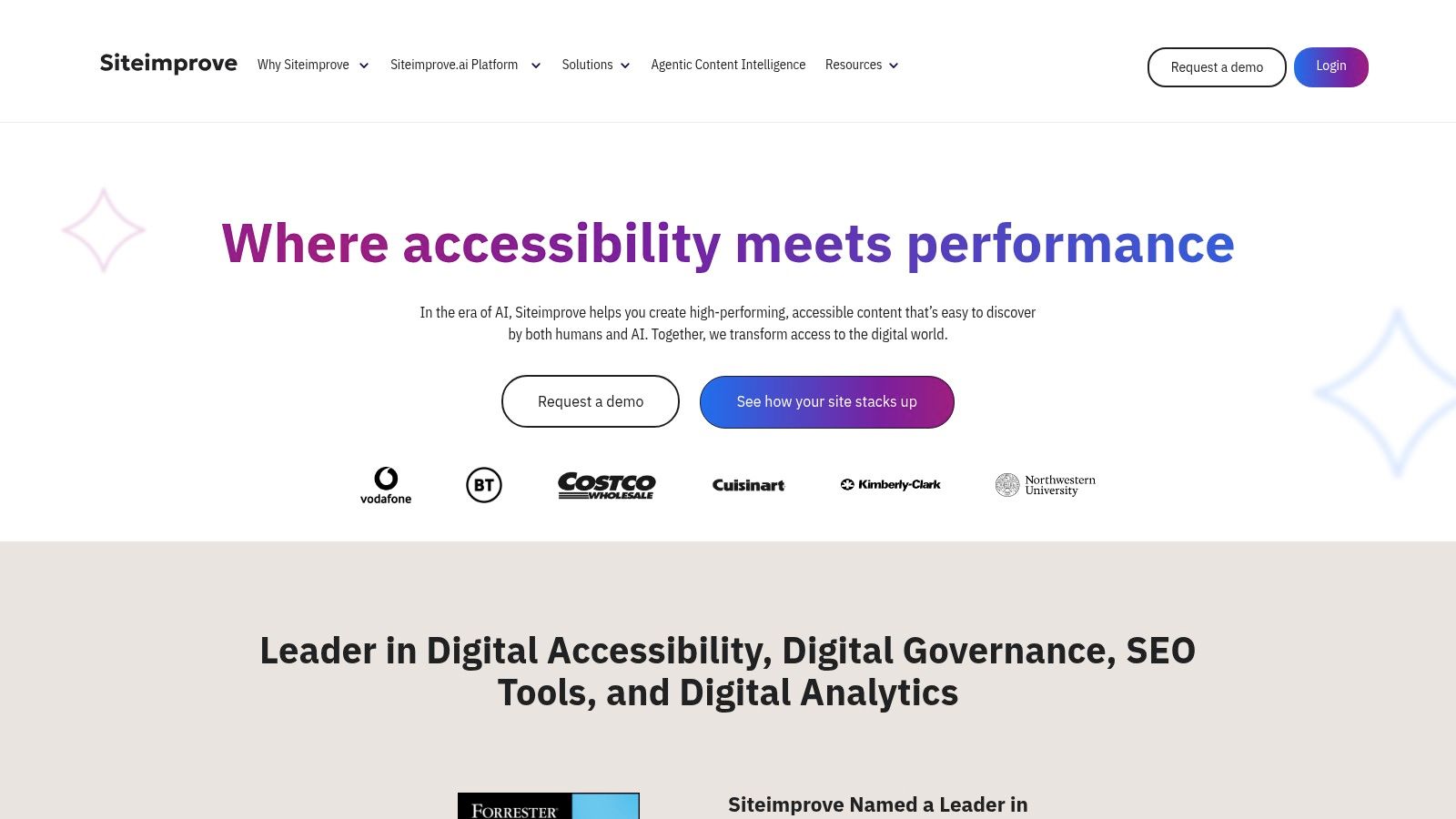
What distinguishes Siteimprove is its focus on governance and portfolio management. The platform is designed for large organizations that need to monitor accessibility across hundreds or thousands of pages. It provides portfolio-level dashboards, progress tracking, and detailed issue explanations complete with code examples. Its AI-assisted guidance helps teams stay current with evolving WCAG rules, making it a powerful tool for maintaining long-term compliance and embedding accessibility into corporate workflows.
Key Features & Use Cases
- Best For: Large corporations, government agencies, and universities that require a centralized platform for managing digital quality, accessibility, and SEO across a vast web portfolio.
- Pricing: The browser extension is free. The full platform is quote-based and tailored to organizational needs, reflecting its enterprise focus.
- Integrations: Offers integrations with popular Content Management Systems (CMS) like WordPress and Adobe Experience Manager, as well as project management tools like Jira.
- Practical Tip: Start with the free Siteimprove Accessibility Checker extension to identify immediate issues on key pages. For organizations that also need to improve their site's visibility, exploring how Siteimprove connects accessibility with better search engine optimization outcomes can justify the investment in the full platform.
Website: https://www.siteimprove.com/
9. BrowserStack Accessibility Testing
BrowserStack extends its renowned cloud-based, cross-browser testing platform into the accessibility space, offering a unified solution for teams that already rely on its infrastructure. Instead of being a standalone tool, its strength lies in integrating accessibility checks into existing device and browser testing workflows. This allows developers and QA teams to test not just for visual bugs on different devices but also for accessibility compliance simultaneously, streamlining the quality assurance process.
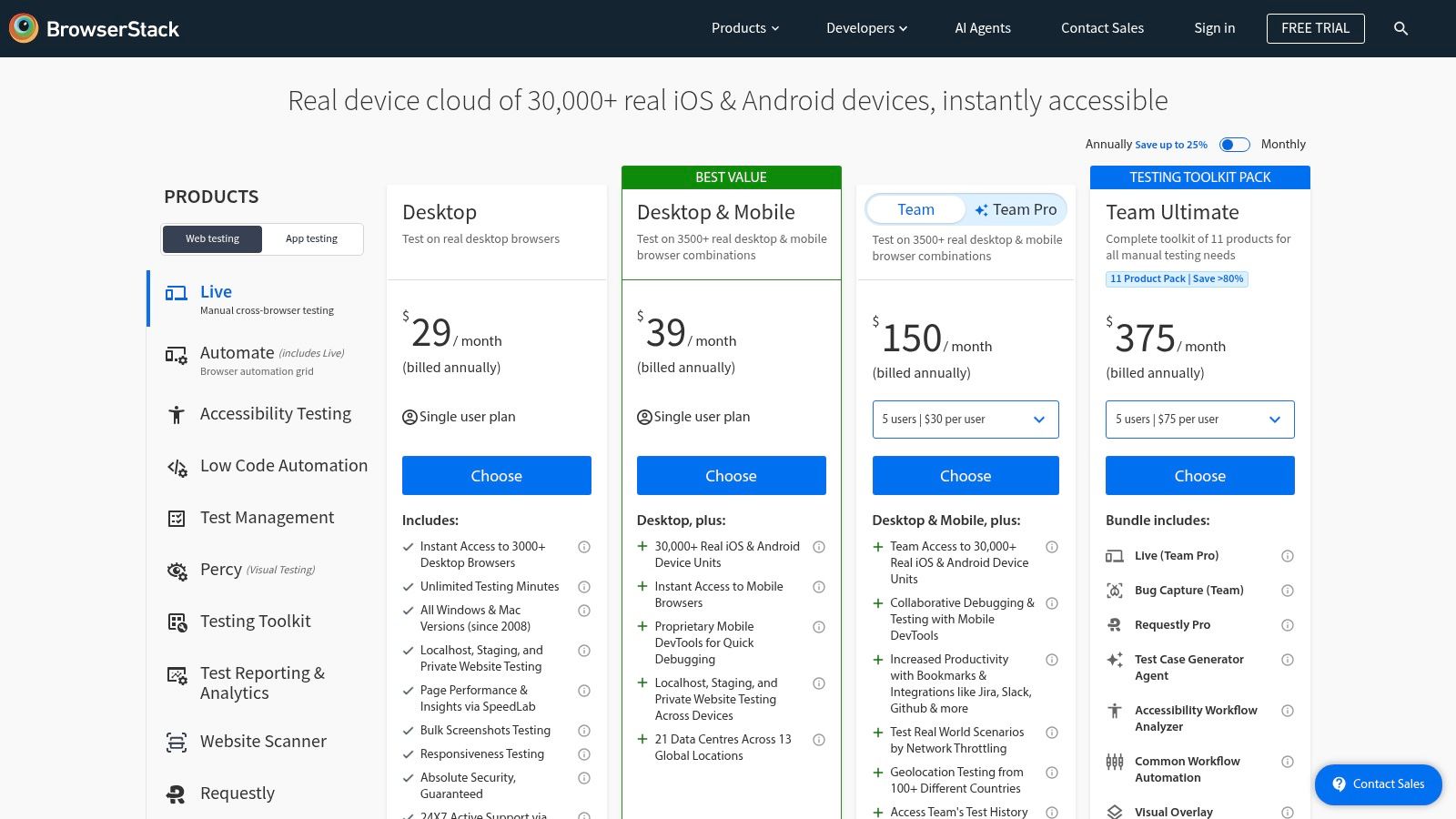
The platform’s standout feature is its provision of real screen readers on real devices. Users can interactively test with VoiceOver on actual iPhones, TalkBack on Android devices, and NVDA on Windows machines directly through their browser. This moves beyond emulation and provides invaluable, real-world feedback on how users with disabilities experience the website. This capability, combined with automated WCAG scans and centralized reporting, makes it a powerful choice for organizations prioritizing comprehensive device coverage in their accessibility testing strategy.
Key Features & Use Cases
- Best For: QA teams and developers already using BrowserStack for cross-browser/device testing who want to add a robust accessibility testing layer without fragmenting their toolset.
- Pricing: Offers a free starter plan for basic accessibility scanning. Paid plans (Essentials, Automate) are required for advanced features like real screen reader testing and CI/CD integration, with pricing available upon inquiry.
- Integrations: Provides plugins for CI/CD pipelines and integrates with major test automation frameworks like Selenium, Cypress, and Playwright, allowing accessibility checks to run alongside functional tests.
- Practical Tip: Leverage the "Accessibility Scanner" Chrome extension for quick, free automated checks. For deeper validation, use the live product to manually test your site with a real screen reader on a specific device and operating system combination that your analytics shows is popular with your users.
Website: https://www.browserstack.com/accessibility-testing
10. Pa11y
Pa11y is an open-source suite of website accessibility testing tools designed for developers who prefer a code-centric, customizable approach. It offers a powerful command-line interface (CLI) and Node.js module that can be scripted and integrated directly into existing development workflows. This makes it a popular choice for technical teams that want to self-host and maintain full control over their testing infrastructure without relying on a third-party service.
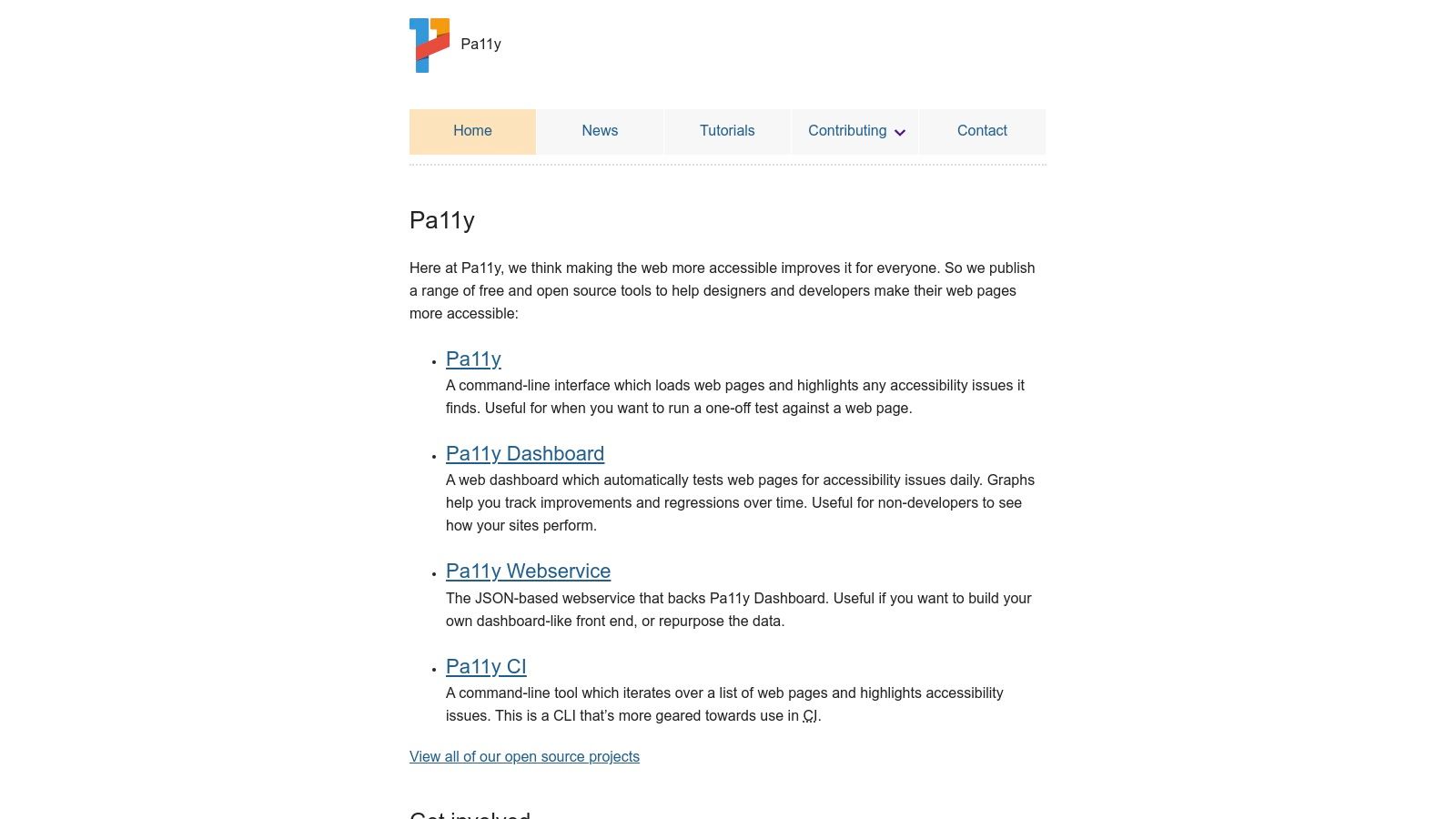
What makes Pa11y stand out is its modularity and focus on automation. Developers can easily script automated checks against web pages, and its CI helper simplifies embedding accessibility tests into continuous integration pipelines. While it defaults to using HTML_CodeSniffer as its test runner, it can be configured to use others like axe-core, giving teams flexibility. The optional web service and dashboard provide a user interface for scheduling tests and visualizing results over time, but this requires self-hosting and configuration.
Key Features & Use Cases
- Best For: Development and DevOps teams comfortable with the command line who want a free, highly customizable, and self-hosted solution for automating accessibility checks within their CI/CD pipelines.
- Pricing: Completely free and open-source. Costs are associated with the engineering time required for setup, hosting, and maintenance.
- Integrations: Designed specifically for CI/CD integration. Its CLI and Node module can be incorporated into scripts for platforms like Jenkins, GitHub Actions, and CircleCI.
- Practical Tip: Start with the Pa11y CLI to run ad-hoc tests on your local machine. Once you are familiar with its configuration and reports, integrate it into a pre-commit hook or a CI pipeline job to catch regressions before they are deployed.
Website: https://pa11y.org/
11. Silktide
Silktide is a comprehensive SaaS platform that extends beyond accessibility to cover overall website quality, including content, UX, and marketing performance. It’s designed for organizations that require continuous, sitewide monitoring rather than just on-demand page checks. The platform automates the process of crawling an entire website, providing a prioritized list of issues, detailed explanations, and progress tracking over time, making it an excellent management tool for digital teams.
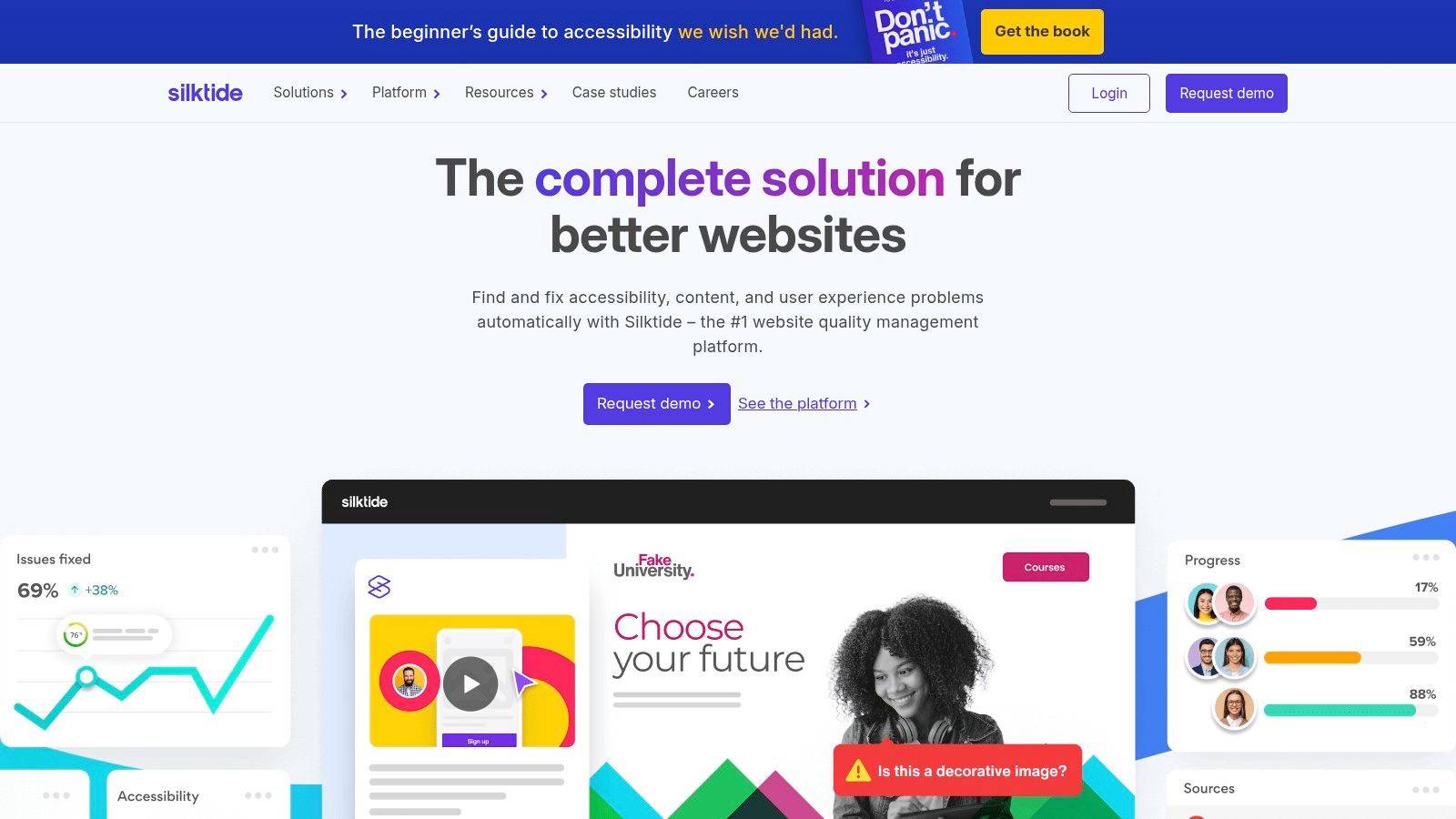
What differentiates Silktide is its holistic approach and user-friendly dashboard that simplifies complex data. It not only tests against WCAG 2.2 standards but also checks for issues like broken links, spelling mistakes, and SEO problems. For those needing a quick, free solution, the Silktide Toolbar offers powerful page-level checks directly in the browser. The platform is also known for its strong stance against accessibility overlays, advocating for fixing issues at the source code level.
Key Features & Use Cases
- Best For: Medium to large organizations, government agencies, and educational institutions that need a centralized platform for managing and reporting on the accessibility and quality of their entire digital presence.
- Pricing: Quote-based, typically involving annual contracts tailored to the size and complexity of the website.
- Integrations: Connects with popular CMS platforms and offers API access for custom workflows, though it is primarily used as a standalone management dashboard.
- Practical Tip: Use the free Silktide Toolbar for initial spot-checks and to understand their testing methodology. For a complete picture of your site's health, schedule a demo of their full platform to see how its automated crawling and prioritized reporting can streamline your compliance efforts.
Website: https://silktide.com/
12. Acquia Optimize (formerly Monsido)
Acquia Optimize, which incorporates the platform formerly known as Monsido, is a comprehensive web governance solution that extends far beyond just accessibility. This platform provides a suite of tools designed for organizations to manage website quality, performance, SEO, and compliance in one place. Its accessibility module offers automated scans against WCAG 2.0, 2.1, and 2.2 standards at all conformance levels (A, AA, AAA), making it one of the more robust website accessibility testing tools for holistic site management.
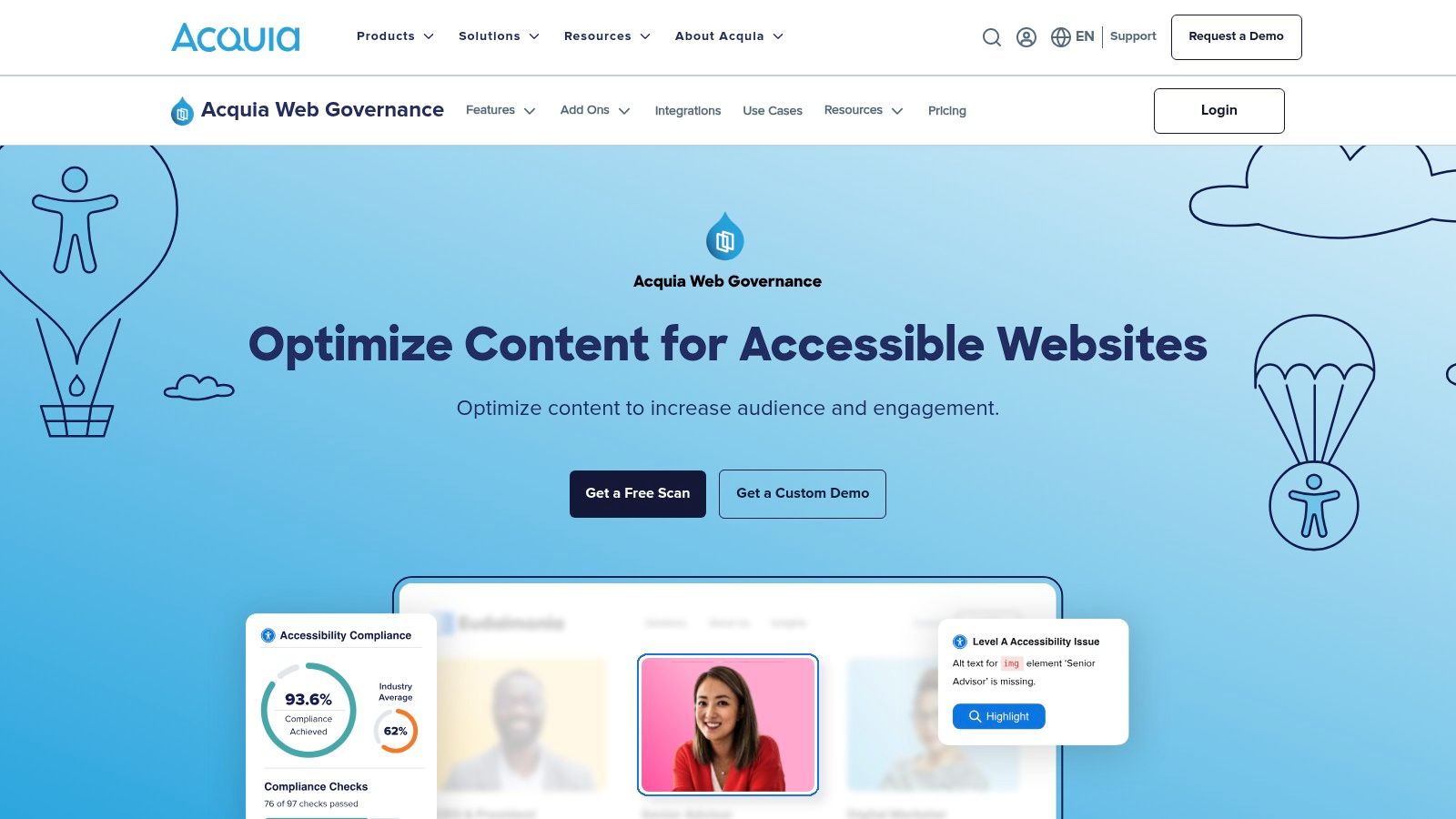
What distinguishes Acquia Optimize is its integration of accessibility into a broader digital governance framework. Features like "Fast Track" allow teams to implement bulk fixes for common issues directly from the dashboard, accelerating remediation. The platform also includes PDF accessibility scanning and an Optimize browser extension for in-context review and repair, empowering content editors and developers to address problems as they work. This makes it ideal for large, distributed teams managing complex digital properties.
Key Features & Use Cases
- Best For: Large organizations, educational institutions, and government agencies that need a unified platform to manage accessibility, SEO, and overall website quality across multiple domains.
- Pricing: Quote-based enterprise subscriptions. Acquia offers a free "Quick Check" scan to get a high-level overview of your site's accessibility status.
- Integrations: Designed for enterprise workflows with integrations for popular CMS platforms and project management tools, enabling issue assignment and tracking.
- Practical Tip: Leverage the Portfolio dashboard to get a bird's-eye view of accessibility compliance across all your web properties. Use the built-in issue tracking to assign specific accessibility tasks to team members and monitor remediation progress over time.
Website: https://www.acquia.com/products/acquia-optimize
Top 12 Website Accessibility Testing Tools Comparison
| Tool | Core features | Quality (★) | Pricing & Value (💰) | Target Audience (👥) | Unique selling points (✨/🏆) |
|---|---|---|---|---|---|
| Deque axe DevTools | axe‑core engine, browser ext, Pro guided tests, CI/CD & exports | ★★★★★ — very low false positives | 💰 Free ext; Pro/Enterprise for reporting & collaboration | 👥 Dev teams, regulated enterprises | ✨ Scalable rules/version pinning, enterprise reporting; 🏆 industry standard |
| WAVE (WebAIM) | Free online checker & extensions, visual in‑page annotations, API for sitewide | ★★★☆☆ — educational, clear visuals | 💰 Free page checks; API subscription for automation | 👥 Educators, public sector, learners | ✨ In‑page annotation for teaching WCAG |
| Google Lighthouse | Accessibility + Performance + SEO audits, DevTools/CLI/CI | ★★★★☆ — ubiquitous, easy to run | 💰 Free | 👥 Developers & CI pipelines | ✨ Multi‑audit reporting, snapshots & CI integration |
| Accessibility Insights (Microsoft) | FastPass, targeted tests, contrast/tab visual helpers, extensions | ★★★☆☆ — great beginner workflows | 💰 Free & open‑source | 👥 Teams new to accessibility, trainers | ✨ FastPass workflows; strong training value |
| TPGi ARC Platform & Toolkit | ARC Toolkit ext, monitoring dashboards, APIs, training & JAWS integration | ★★★★☆ — consistent rules & monitoring | 💰 Seat & usage pricing; clear tiers | 👥 Enterprises needing monitoring & JAWS users | ✨ Dashboards + training + JAWS integration |
| Pope Tech | WAVE‑powered scheduled scans, portfolio reporting, page‑tier pricing | ★★★☆☆ — automated‑first, trend tracking | 💰 Free up to 25 pages/mo; transparent page‑tier pricing | 👥 Schools, agencies, organizations | ✨ Unlimited users on team plans; transparent pricing |
| PowerMapper SortSite | Desktop perpetual or cloud scans; accessibility, SEO, link & spelling checks | ★★★☆☆ — broad quality checks, traditional UI | 💰 One‑time desktop license or cloud subscription | 👥 Teams wanting perpetual license or cloud scans | ✨ Perpetual desktop option; wide quality coverage |
| Siteimprove Accessibility | Automated checks, issue explanations, portfolio dashboards, AI guidance | ★★★★☆ — strong governance & support | 💰 Quote‑based (enterprise) | 👥 Large organizations needing digital governance | ✨ AI‑assisted guidance + governance dashboards; 🏆 all‑in‑one platform |
| BrowserStack Accessibility Testing | Automated & assisted WCAG checks, real screen readers on real devices, CI | ★★★★☆ — excellent device & SR coverage | 💰 Free starter; paid Essentials/Automate (sales‑led) | 👥 Teams needing real devices + screen‑reader testing | ✨ Real SR testing on devices; centralized reports |
| Pa11y | CLI/Node module, CI integration, optional self‑hosted dashboard | ★★★☆☆ — highly customizable, dev‑centric | 💰 Free open‑source | 👥 Dev teams preferring code‑centric tooling | ✨ Self‑hosted, scriptable CI pipelines |
| Silktide | Sitewide monitoring, PDF testing, frequent rescans, training & managed services | ★★★★☆ — user‑friendly, strong support | 💰 Quote‑based, typically annual | 👥 Larger sites & teams needing managed monitoring | ✨ Focus on fixing source issues; managed services |
| Acquia Optimize (Monsido) | Automated scans, Fast Track bulk fixes, extension, portfolio dashboards | ★★★★☆ — mature governance & features | 💰 Quote‑based enterprise pricing | 👥 Orgs needing governance for SEO, QA & accessibility | ✨ Fast Track bulk fixes + integrated web governance |
Tools Are Your First Step, Not Your Final Answer
Navigating the landscape of website accessibility testing tools can feel overwhelming, but as we've explored, the right tool can fundamentally change your compliance workflow. From the developer-centric power of Deque axe DevTools and Pa11y to the visual, in-browser feedback of WAVE and Accessibility Insights, these solutions provide an essential first line of defense. Enterprise platforms like Siteimprove and the TPGi ARC Platform offer comprehensive monitoring and reporting, while tools like Google Lighthouse make basic checks a routine part of performance optimization.
The core takeaway is that integrating these tools into your development lifecycle is no longer optional; it's a foundational practice for modern web development. They excel at catching high-volume, low-complexity issues with incredible speed and efficiency. Missing alt text, color contrast violations, and improper heading structures can be identified in seconds, saving your team countless hours and preventing basic errors from ever reaching production. For businesses in Sacramento and El Dorado Hills, implementing these automated checks is a critical, proactive step toward mitigating legal risk and building a more inclusive digital presence.
The Inescapable Limits of Automation
However, relying solely on automated website accessibility testing tools creates a dangerous blind spot. It's a common misconception that a "clean" scan from an automated tool equals WCAG compliance. The reality is that these scans can only detect, on average, 30-50% of all potential accessibility issues. This isn't a failure of the tools themselves; it's an inherent limitation of the technology.
Automated software cannot understand context, user intent, or the nuances of human experience. It cannot answer crucial questions like:
- Is the alt text on an image genuinely descriptive and useful, or is it just keyword stuffing?
- Can a user successfully complete a multi-step checkout process using only a keyboard?
- Is the reading order logical when a screen reader navigates a complex data table or a dynamic single-page application?
- Does the "skip to main content" link actually work as intended and move focus correctly?
These are not code-level syntax errors; they are usability and experiential failures that can completely block a user with disabilities. An automated tool will report a "pass," giving your team a false sense of security while a significant portion of your audience remains unable to use your site.
Bridging the Gap with Human Expertise
This is where the human element becomes indispensable. True accessibility and robust ADA/WCAG 2.1 AA compliance are achieved when automated efficiency is paired with expert-led manual auditing. While automated tools find the "what," human experts discover the "why" and "how" of accessibility barriers. A comprehensive manual audit involves specialists using the same assistive technologies as your users, such as screen readers (like JAWS or NVDA) and keyboard-only navigation.
They perform real-world tasks, test complex user flows, and analyze interactive components like forms, carousels, and pop-up modals. This deep, contextual analysis is the only way to uncover the critical issues that automated scans miss. Beyond automated checks, a comprehensive understanding of accessibility guidelines is crucial. For further guidance and to ensure thoroughness, consider consulting an ultimate website accessibility checklist to see the full scope of what's required.
Ultimately, the goal isn't just to check boxes on a compliance list; it's to create a genuinely usable, equitable, and effective experience for every single visitor. The tools we've covered are your essential starting point on this journey. They build the foundation, but a commitment to manual validation and user-centric testing builds the complete, compliant, and truly accessible structure. Don't let automated scans give you a false sense of security.
If you're serious about protecting your business and serving every customer, let Site Igniters bridge the gap between automated scanning and true compliance. Our experts provide the comprehensive manual audits and remediation plans needed to make your website genuinely accessible. Contact Site Igniters today to ensure your digital presence is open to everyone.
Seth Sanders is the founder of Site Igniters, a digital marketing agency in El Dorado Hills, California.